
Android · No account, no sign-in
Keep the statuses worth keeping
Every status disappears in 24 hours. StatusPing shows how long each one has left and keeps the ones you choose in a library that does not expire — with the files in your own gallery folder.
Features
A status saver that tells you the truth
Other savers show you a grid and hope for the best. StatusPing tells you how long you have, where your files went, and whether background watching is actually running.
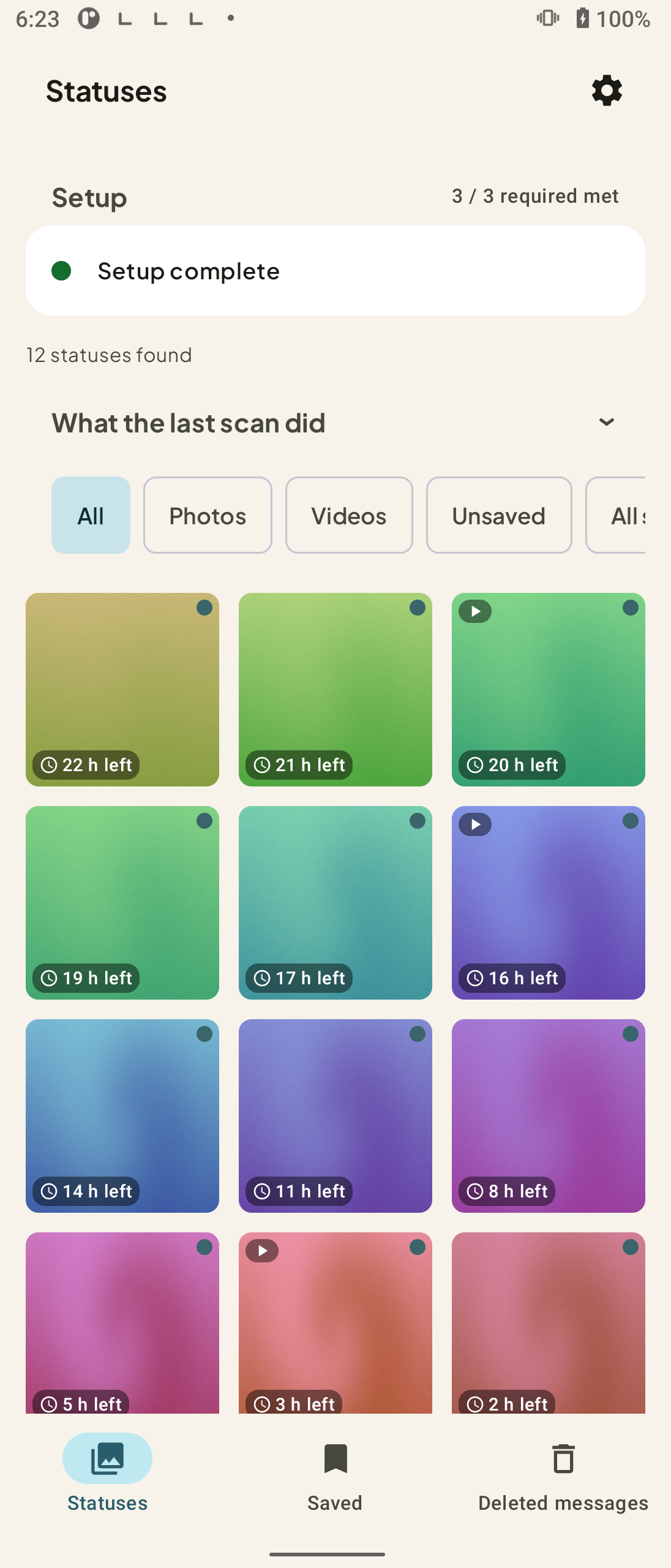
An expiry countdown on every status
Each status shows how many hours are left before it is gone for good, so you know what needs keeping now and what can wait. Nobody else in this category shows you this.
Saved stays saved
Keeping a status copies it into your own gallery folder, where your gallery app and your backup tool can see it. Nothing you save expires, and the library has filters and a full-screen viewer.
One folder, and only that folder
You grant read access to the one folder the status app already wrote to. No All files access, no photo library permission, and StatusPing cannot change or delete anything inside it.
Finds your folder by shape, not by path
Standard installs, the Business app, multi-account setups, dual-app and parallel-space clones — sixteen known layouts, matched by structure instead of a hard-coded path that breaks on the next update.
Read what was deleted
Turn on notification access and StatusPing keeps its own copy of the notifications you choose to watch, so a message deleted after you received it can still be read. Forward-only, text and sender only, and entirely on your phone.
It says when it stops working
Phones stop background work to save battery. Settings shows whether StatusPing is finding new statuses — off, regularly, or continuously — instead of hiding that choice.
See It in Action
From a folder grant to a library that does not expire
Point StatusPing at one folder, keep what matters, and let it watch in the background if you want it to.
See what is on your phone, and how long it has left
Grant read access to the one folder the status app already wrote to. StatusPing lists what is there with a countdown on each item — the files are already on your phone, so nothing is downloaded.
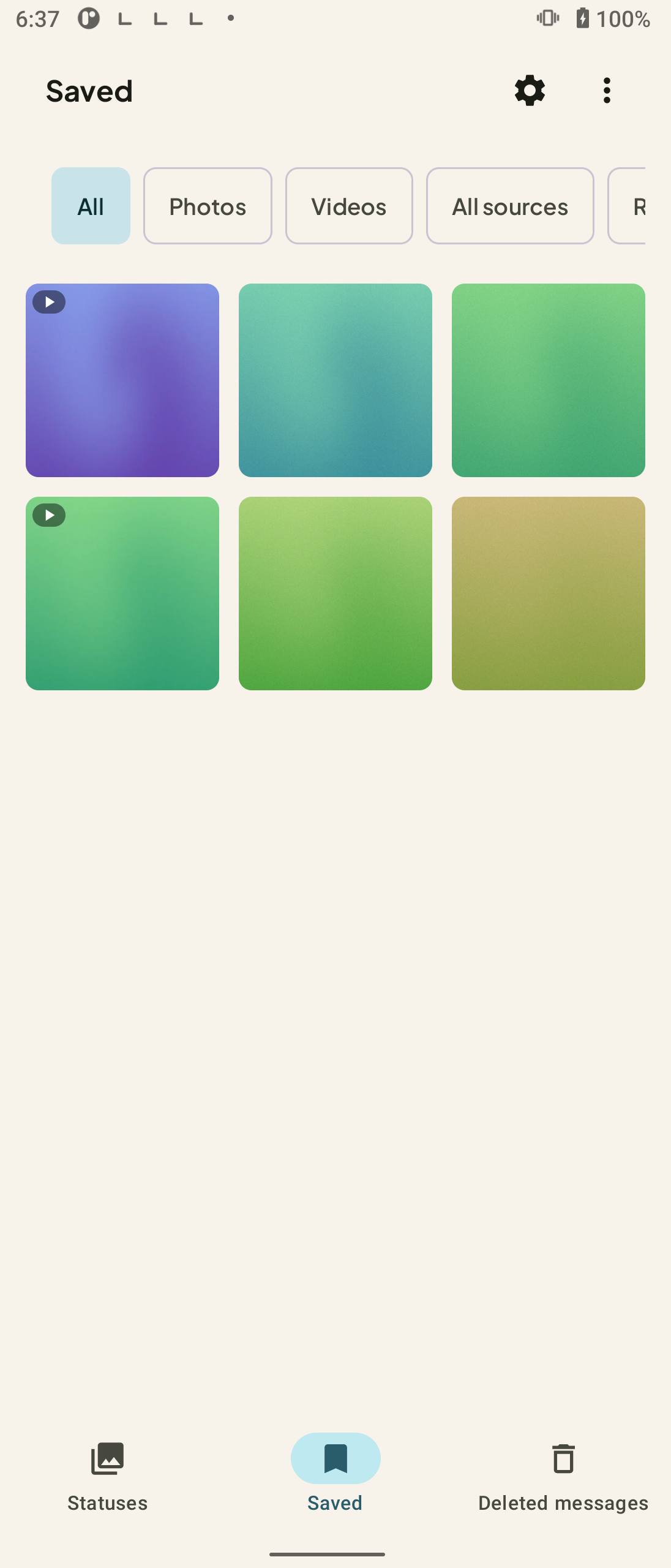
Keep one, or select many at once
Save a single status or select several and keep them together. Saved files land in your own gallery folder, and you can share or repost straight from the app.
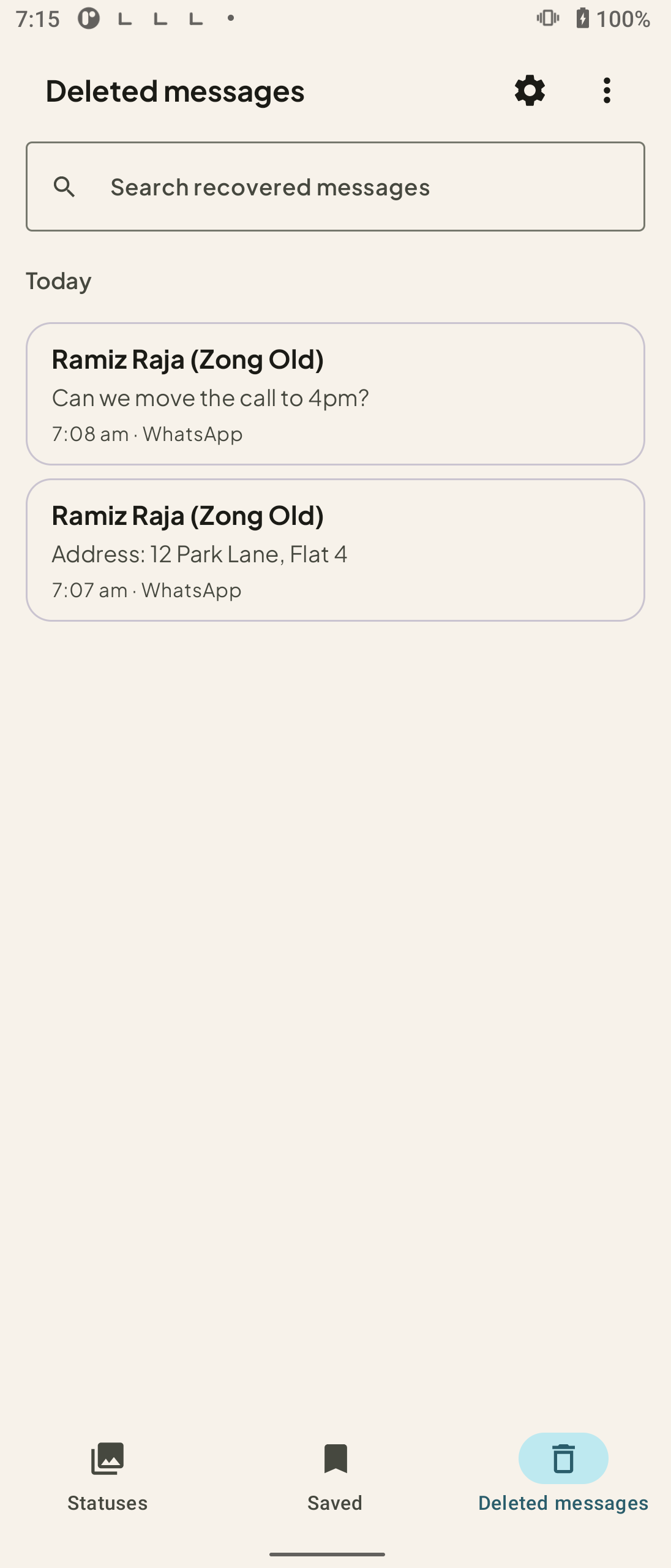
Read what was deleted
With notification access on, the Deleted messages tab shows the sender and text of messages deleted after you received them. You choose which apps are watched, how long the archive is kept, and you can purge it in one tap.
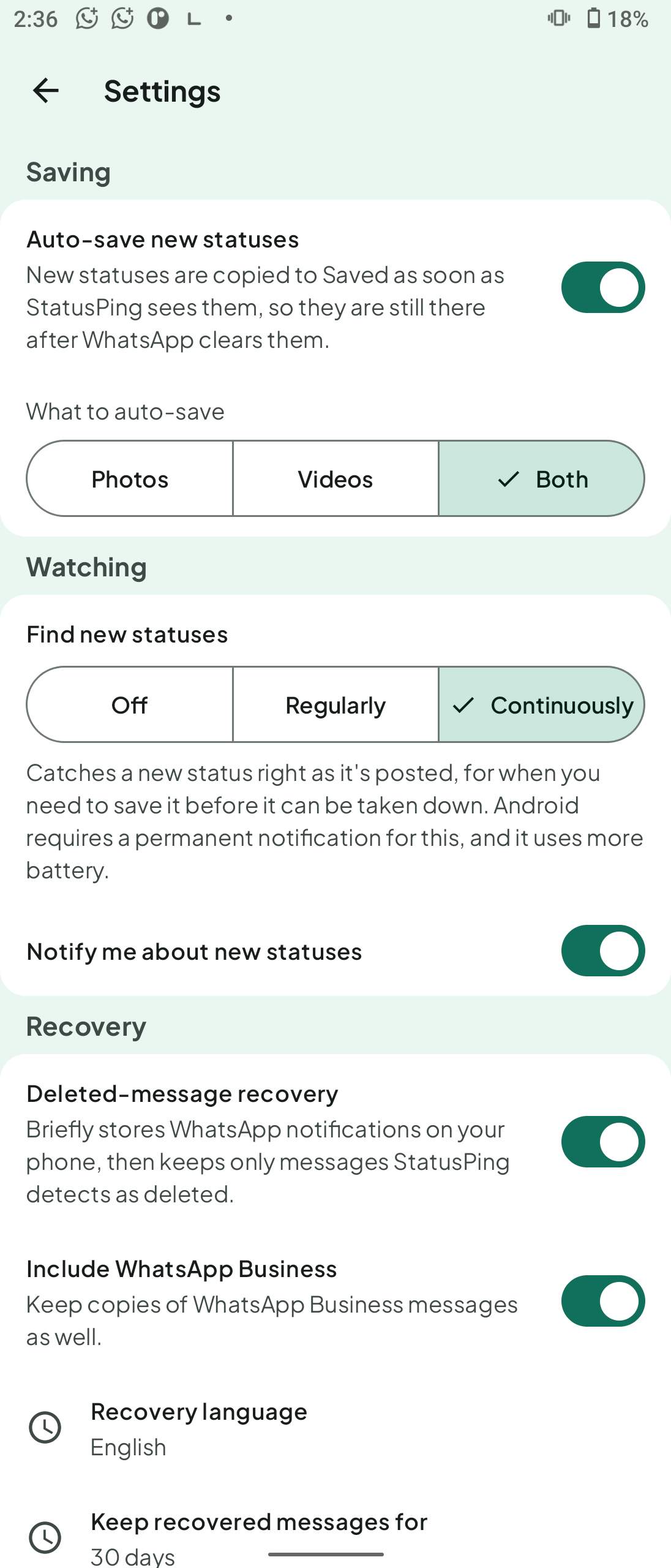
Choose how watching runs
Auto-save copies new statuses into Saved. Under Watching, you choose off, regularly, or continuously, and whether you are notified.
Privacy
Never uploaded to our servers
StatusPing has no account, no sign-in and no server of its own. What we upload, and what we do not: your files are never uploaded to our servers.
Your statuses are ordinary files in your folder
Saved statuses are copied into a folder you own, readable by your gallery and your backup tool. Nothing is uploaded to us, and Android's automatic cloud backup is switched off for this app's data on purpose.
The deleted-message archive is local
Captured notifications are stored in a database on your phone. You choose which apps are watched, you set how long the archive is kept, you can export it, and you can delete all of it in one tap.
Only one folder, never your whole storage
StatusPing asks for no storage-wide permission — no All files access and no photo library permission. Just the one folder you pick, read-only, which it cannot modify or delete from.
The three network requests it does make
The ad banner, Firebase crash reports, and anonymous usage counts. None of them carries your photos, your videos, your messages or your phone number.
No paywall and no subscription
Every feature works on the free version — nothing is locked, and there is no limit on how much you can save. One banner at the top, and a single purchase in Settings removes it forever.
FAQ
Frequently asked questions
Guides
Guides & Walkthroughs
Practical step-by-step guides for StatusPing.
- How to save WhatsApp statuses automatically
- Status Downloader for WhatsApp: WhatsApp Status Saver App for Android
- How to save WhatsApp Business statuses
- Download WhatsApp Status Video on Android: Save Status Videos and Photos
- Where Saved Statuses Go on Android, and How to Keep Them
- What Permissions a Status Saver Needs on Android
- Status Saver Not Showing Statuses? What to Check on Android
- How to Download Status Videos and Photos on Android (One or Many)
- How to Auto-Save Statuses to Your Gallery on Android
- How Long Do WhatsApp Statuses Last?
- WhatsApp Status Privacy: Who Can See Your Status and How to Change It
- WhatsApp Status Video Length, Limit and Quality
- How to Repost a WhatsApp Status: What WhatsApp Allows
- WhatsApp Status Not Loading or Not Showing on Android
- WhatsApp Status Saver for Android: Save a Status Photo or Video
Keep the statuses worth keeping
An expiry countdown on every status, a library that does not expire, and an honest answer about what your phone is doing in the background. No account, no paywall, nothing uploaded to our servers.