Status Downloader for WhatsApp: WhatsApp Status Saver App for Android
Looking for a status downloader for WhatsApp or a WhatsApp status saver app? StatusPing on Android downloads WhatsApp and WhatsApp Business status photos and videos to your gallery.
Published October 26, 2026 · Last updated October 27, 2026
A status downloader for WhatsApp saves a status photo or video to your phone before its 24 hours are up, and a WhatsApp status saver app keeps it afterwards. StatusPing is both, for Android: you give it read access to one folder WhatsApp already wrote, pick the statuses you want, and it copies them to your gallery folder, into a library that does not expire.
Want to keep status photos and videos? StatusPing saves WhatsApp and WhatsApp Business statuses on Android before the 24 hours run out. Get it on Google Play.
Saw a festival wish, a cricket highlight or a friend's trip video on a status? Save it before it disappears.
What a status saver app does
Statuses disappear after 24 hours. A status saver app lets you keep the ones you choose instead of taking screenshots or screen recordings. StatusPing shows the statuses currently on your phone with a countdown of the hours left on each one, so you can see what is about to expire.
The manual way
You can keep a status without an app. Screen record the status or take a screenshot of it. Quality may be lower than the original, and you have to do it before the 24 hours run out.
WhatsApp also writes the statuses you have viewed into a folder on the phone, and on some phones a file manager can copy from it. The folder location differs by phone and Android version.
It works, but it is fiddly: the folder is hidden, and there is no countdown to tell you which statuses are about to expire.
One-tap with StatusPing
StatusPing saves statuses you have already viewed in WhatsApp, as a copy in your gallery. Nothing is fetched from the internet. It shows a countdown of the hours left on each status. Get it on Google Play.
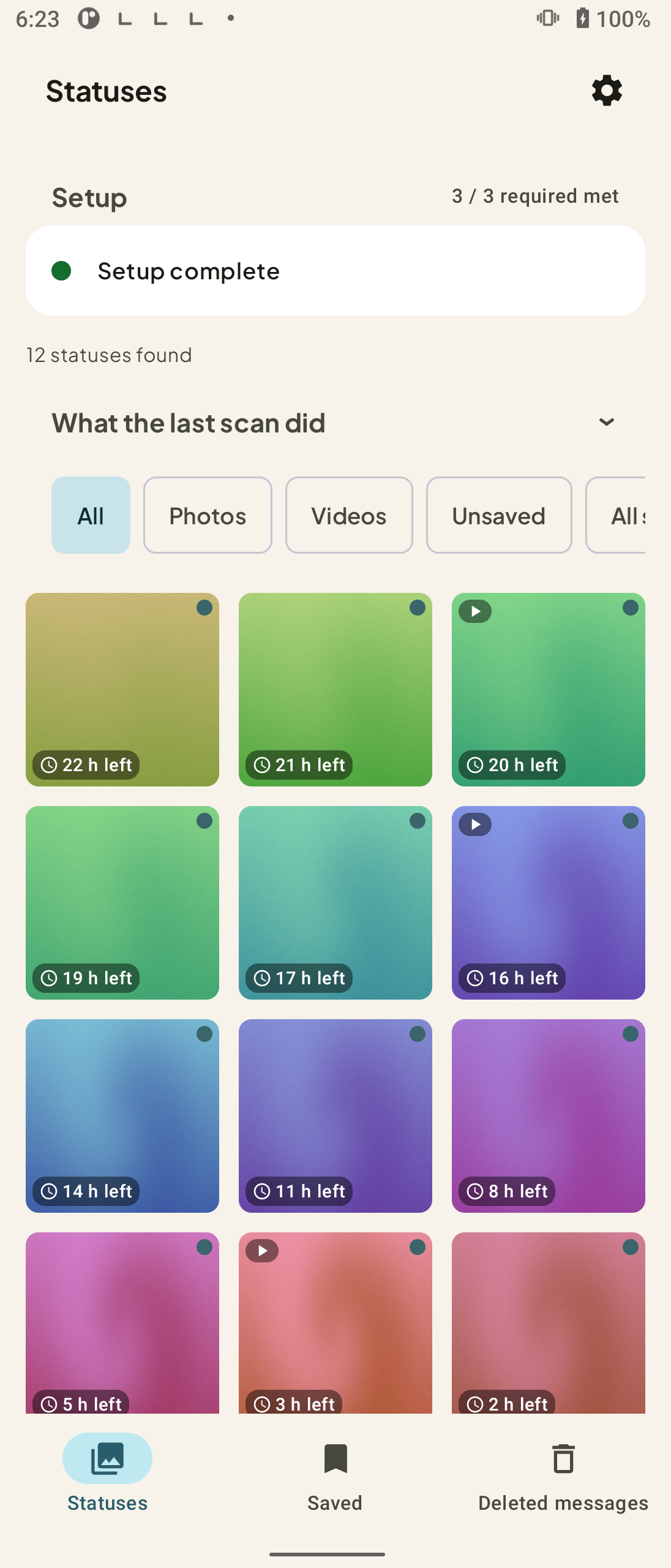
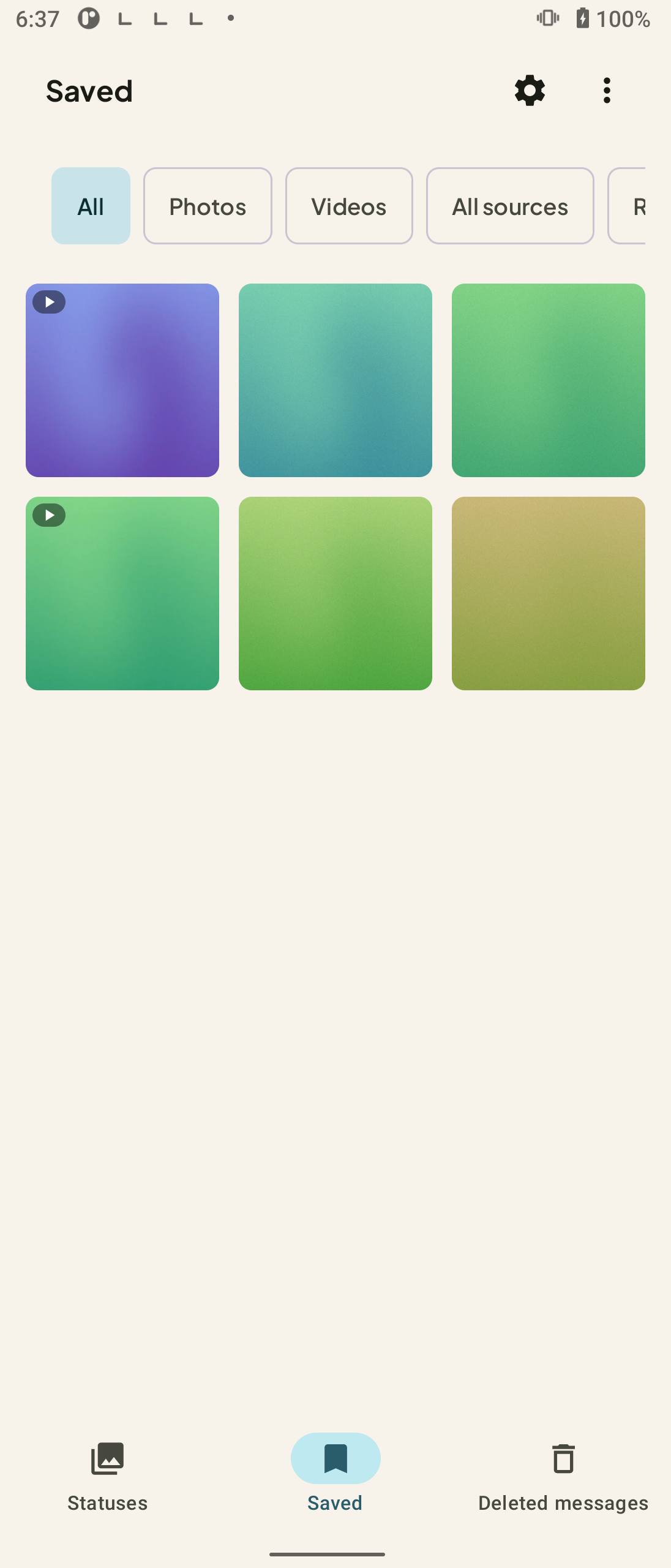
How to download a status with StatusPing
- Open the app and grant folder access. Pick the folder WhatsApp already wrote on your phone. This is read access to one folder.
- Open the status list. Photos and videos show the hours left on every status.
- Select one status, or select many to save them together.
- Tap save. The app copies kept items to your gallery folder.
- Open the library to filter, view full screen, or share and repost from the app.
Pick the guide that matches what you need
- How to Download a WhatsApp Status Photo or Video on Android
- Download status videos and photos on Android, one or many
- Auto-save statuses to your gallery
- Save WhatsApp Business statuses
- Where saved statuses go, and how to keep them
- Save a status before it disappears
- What permissions a status saver needs
- Status saver not showing statuses? What to check
- How long do WhatsApp statuses last?
- Save WhatsApp statuses automatically
What to know
- Works for both WhatsApp and WhatsApp Business statuses.
- Saves photos and videos, one or many at a time.
- StatusPing has auto-save for new statuses.
- The app cannot change or delete the contents of the folder WhatsApp wrote; it copies kept items to your gallery folder.
- No All files access and no photo library permission; only the folder you pick.
- No account or sign-in is required.
- It saves statuses you have already viewed in WhatsApp; nothing is fetched from the internet.
- Android only.
FAQ
How do I use a status downloader for WhatsApp?
Install StatusPing, grant read access to the folder WhatsApp already wrote, select the statuses you want and tap save. They are copied to your gallery folder.
What is a WhatsApp status saver app?
An app that keeps status photos and videos after the 24 hours are up. StatusPing copies the statuses you pick to your gallery folder.
Is StatusPing a WhatsApp status downloader for Android?
Yes. It is an Android app that downloads status photos and videos you choose to your gallery folder, for WhatsApp and WhatsApp Business.
Is StatusPing a status saver app?
Yes. It is a status saver app for Android that keeps the status photos and videos you pick in a library that does not expire.
Does a status saver need access to all my files?
StatusPing does not ask for All files access or the photo library permission. You grant read access to one folder WhatsApp already wrote.
Can it save statuses automatically?
Yes. StatusPing has auto-save for new statuses.
Can I download a status I have not opened?
No. StatusPing copies statuses you have already viewed in WhatsApp.
Is there an iPhone version?
No. StatusPing is Android only.
Related guides
- How to Download a WhatsApp Status Photo or Video on Android
- How to Download Status Videos and Photos on Android (One or Many)
- WhatsApp Status Saver for Android: Save a Status Before It Disappears
- How Long Do WhatsApp Statuses Last?
Get StatusPing on Google Play to download status photos and videos to your gallery folder on Android.
Not affiliated with WhatsApp.