
WhatsApp Scheduling for Android
A Cleaner Way to Schedule WhatsApp Messages
PlannedPing helps you schedule WhatsApp and WhatsApp Business messages on Android — with a focused, modern workflow for one-time and recurring sends.
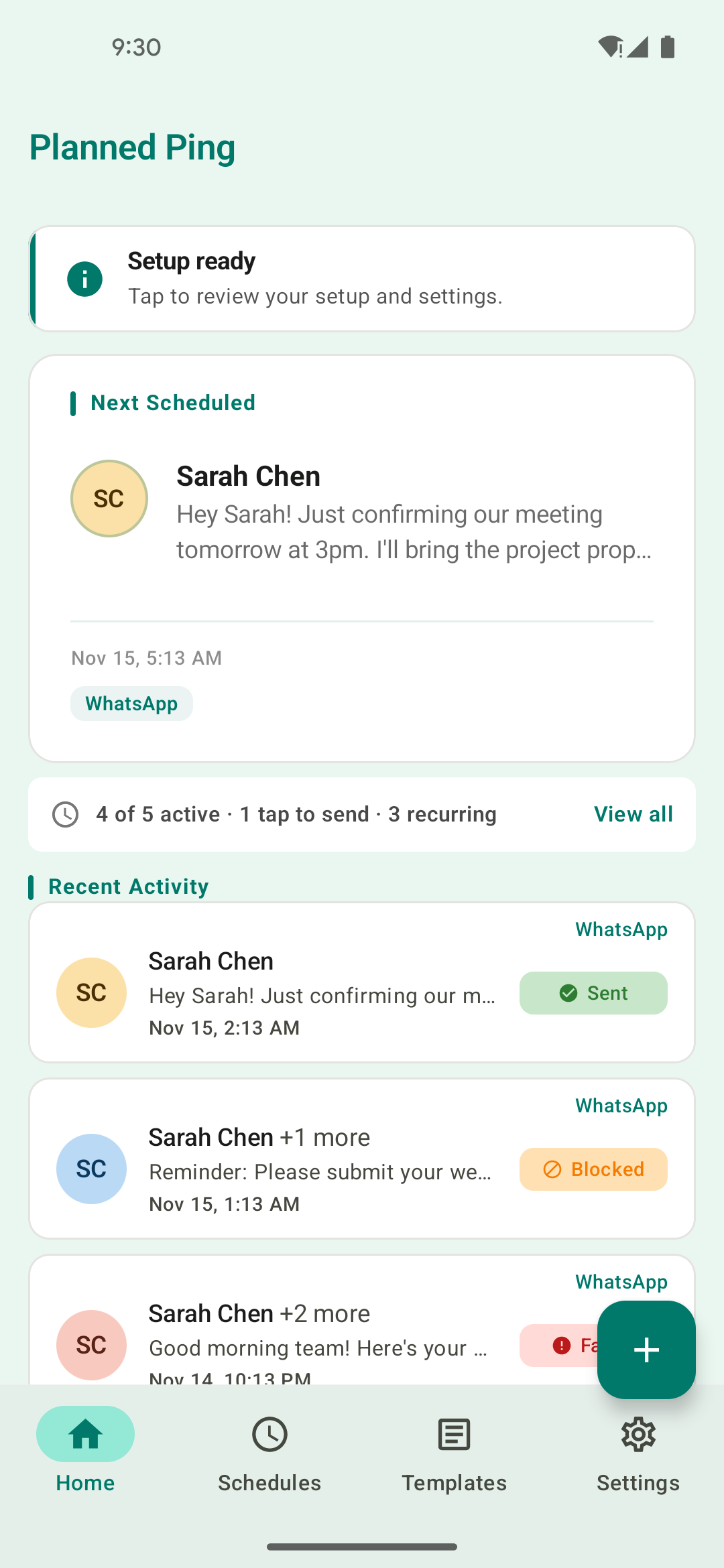
See It in Action
Designed for Simplicity
A clean, intuitive interface that makes scheduling WhatsApp messages a breeze.
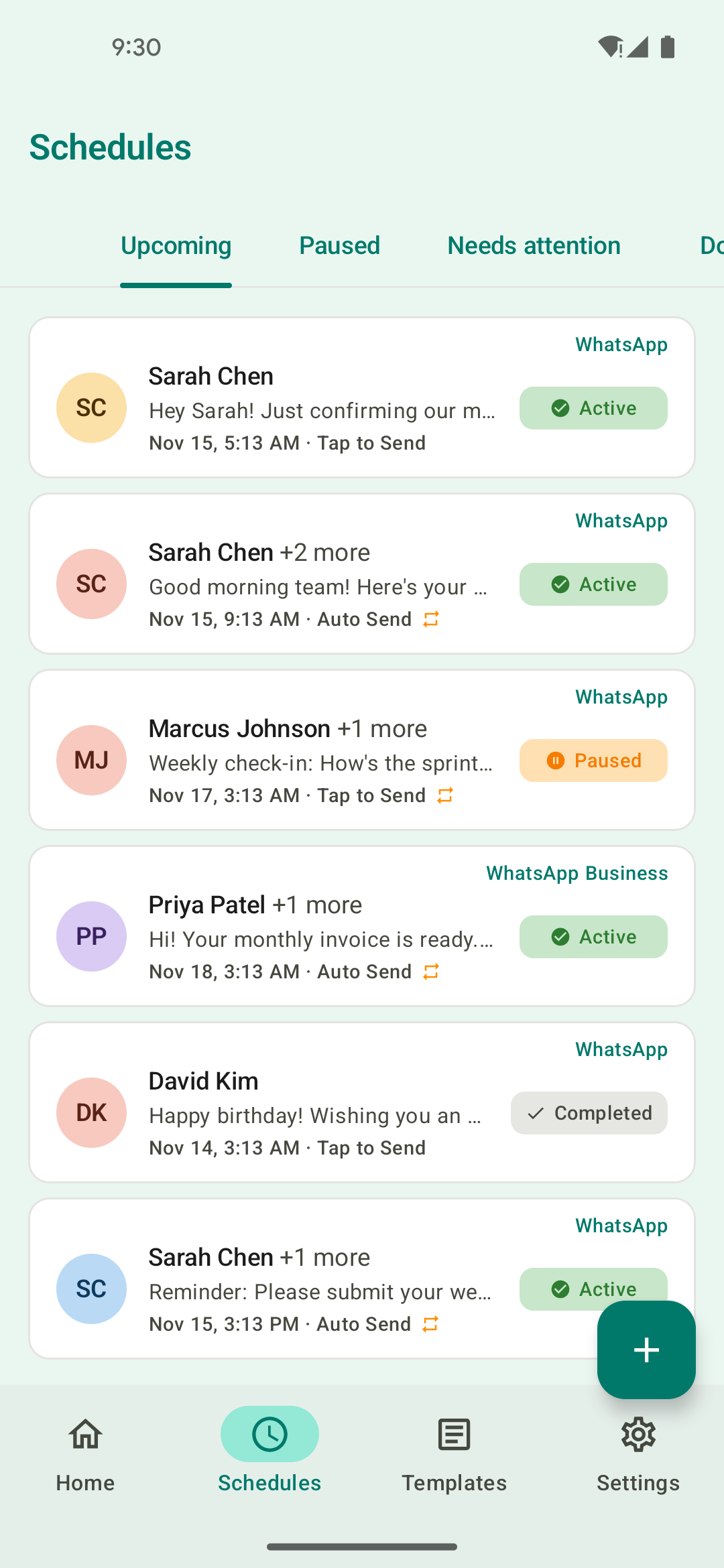
Manage Schedules
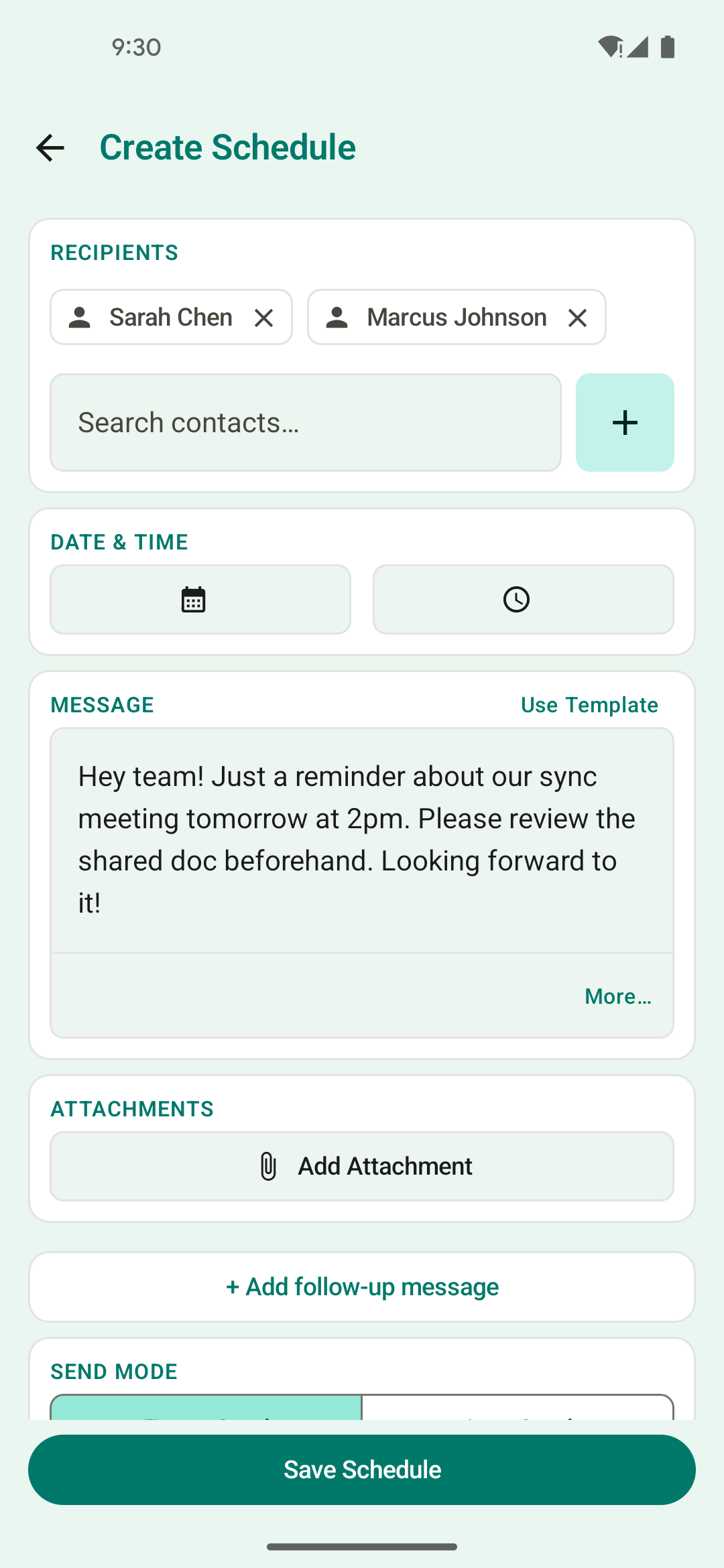
Schedule a Message
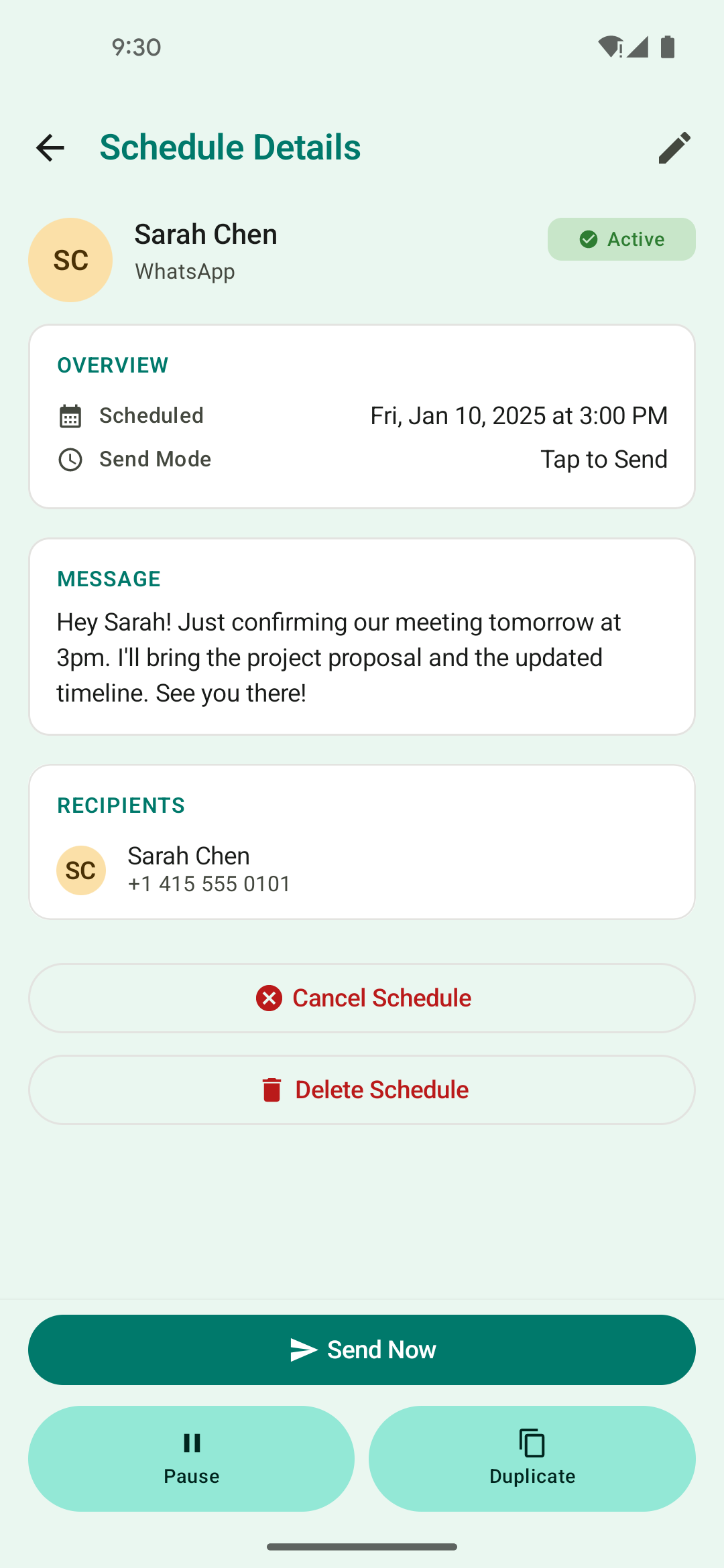
Track Delivery
Features
Everything You Need to Schedule Smarter
PlannedPing for Android is packed with thoughtful features designed to make WhatsApp scheduling effortless and reliable.
Scheduled WhatsApp Messages
Compose a message now and pick the exact date and time it should be sent. Never miss a birthday, deadline, or follow-up again.
WhatsApp Business Support
Seamlessly works with WhatsApp Business, so you can manage professional and personal scheduling from one app.
Recurring Scheduling
Set messages to repeat daily, weekly, monthly, or on a custom schedule. Ideal for reminders, check-ins, and team updates.
Drip Campaigns
Send a sequence of messages to a saved list over time — welcome series, payment reminders, winbacks — delivered automatically step by step.
Auto-Send & Manual Send
Choose auto-send for hands-free delivery, or use manual send mode to review and confirm each message before it goes out.
Media Attachments
Attach images, documents, and other media to your scheduled messages. Send complete messages, not just text.
Saved Recipient Lists
Save frequently used contacts and groups for quick scheduling. Spend less time picking recipients and more time being productive.
Message Templates
Save reusable message templates and drop them into any schedule — no more retyping the same follow-up, reminder, or announcement.
Local-First Privacy
Your data stays on your device by default. PlannedPing is designed with a privacy-first approach — no cloud accounts required.
Backup & Restore
Export your schedules and settings for safekeeping, and restore them when you switch devices or reinstall the app.
How It Works
Three Steps to Scheduled Messaging
PlannedPing keeps the workflow simple so you can focus on what matters — your messages.
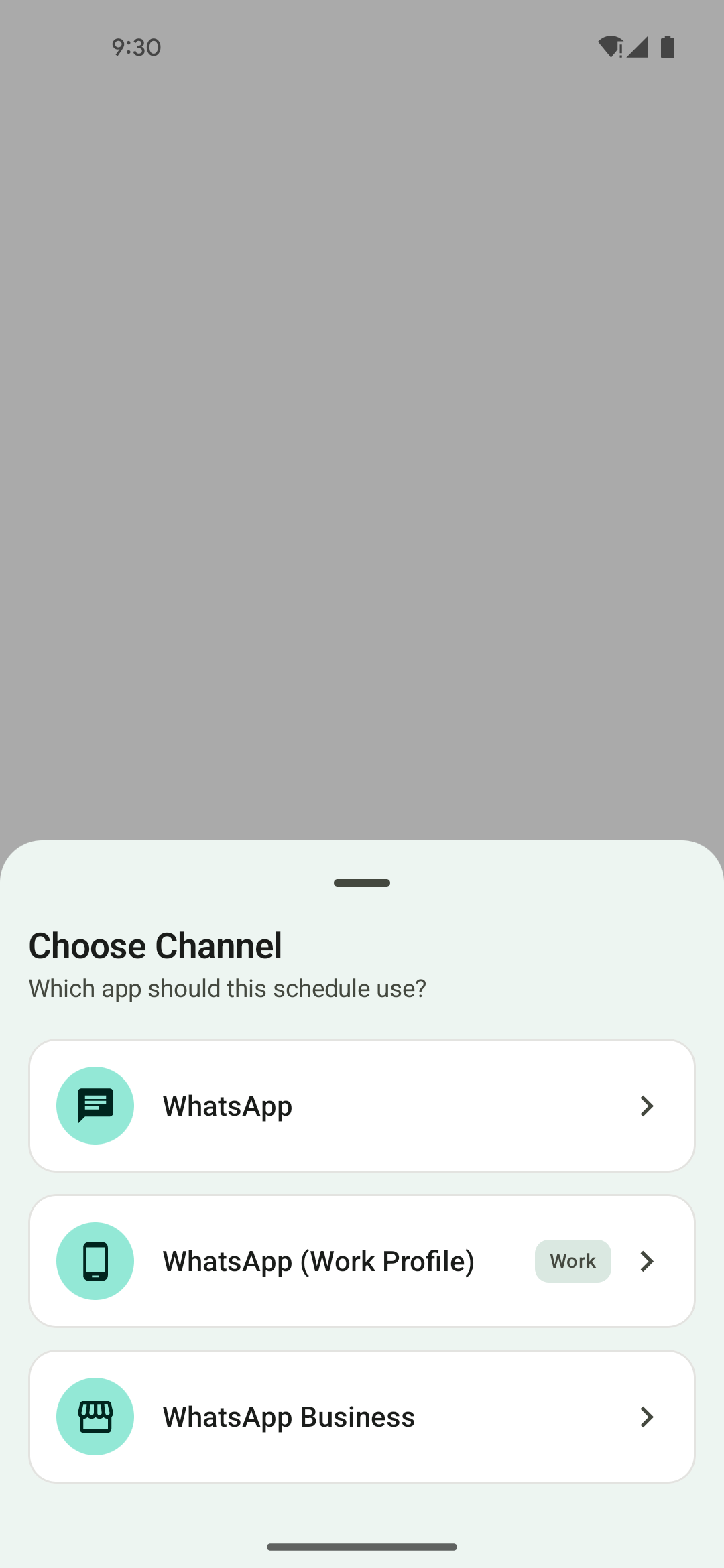
Choose WhatsApp or WhatsApp Business
Select which app you want to send through. PlannedPing supports both WhatsApp and WhatsApp Business on Android.
Set your message, recipients, and timing
Compose your message, pick who it goes to, and choose exactly when it should be sent — one-time or recurring.
Let PlannedPing handle the rest
PlannedPing reminds you or sends automatically at the right time, depending on your preference and plan.
Why PlannedPing
Built for Clarity and Reliability
PlannedPing is a focused scheduling tool — not a bloated platform. It's designed to do one thing well and earn your trust while doing it.
Focused on WhatsApp Scheduling
PlannedPing does one thing and does it well — scheduling WhatsApp messages. No bloat, no unnecessary features, no distractions.
No Mandatory Login
Get started without creating an account. PlannedPing works right out of the box with no sign-up friction.
Local-First by Design
Your messages and data stay on your device. No cloud accounts, no third-party data storage — your conversations remain private.
Clear Setup Guidance
Reliable scheduled sending on Android requires certain device permissions and settings. PlannedPing guides you through the setup so everything works as expected.
FAQ
Frequently Asked Questions
Everything you need to know about PlannedPing. Can't find what you're looking for? Reach out to our support team.
Schedule WhatsApp Messages with More Confidence
Get PlannedPing for Android and start scheduling WhatsApp messages today. Free to get started.