
Android & iPhone · No account required
AI chat with your own key
Connect your own AI provider key once, pick the model you want, and keep every conversation on your device. You pay your provider directly — never a markup.
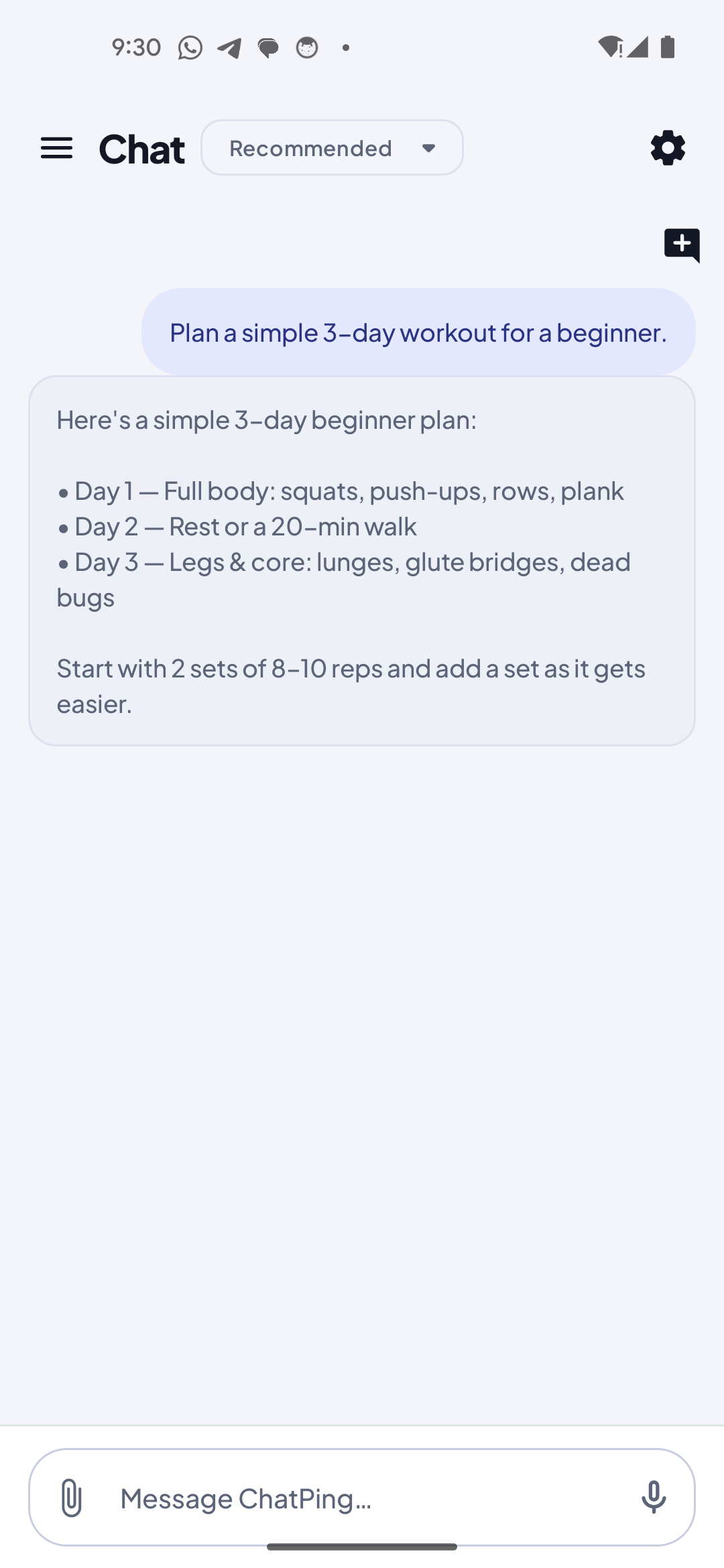
Features
One clean app for every AI model
Most AI chat apps lock you into one model and one subscription, and route everything through their servers. ChatPing does the opposite.
Bring your own key
Connect your own AI provider API key once. Nothing runs until you do, and the key is stored in your device's secure storage and kept out of cloud backups.
Pick your model, switch any time
Reach a broad catalog of cloud models through your provider. Change your active model from the model list — or just ask the app to switch to a faster one.
Talk to the app, not just the model
ChatPing's assistant can drive the app in plain language — search your history, start or delete a conversation, switch models, or summarize an attachment. If you can do it by tapping, you can do it by asking.
Bring a document or image
Attach an image and ask a vision-capable model to describe it, or attach a PDF or text file and have its contents summarized. Dictate by voice when typing is slower.
Private by design
Your conversations are stored only on your device — no account, no sign-up, no cloud sync. Your messages go only to the AI provider you chose, and only when you send them.
See It in Action
From your key to your first reply
Connect once, pick a model, and start chatting — with your history saved on your phone, not in someone else's account.
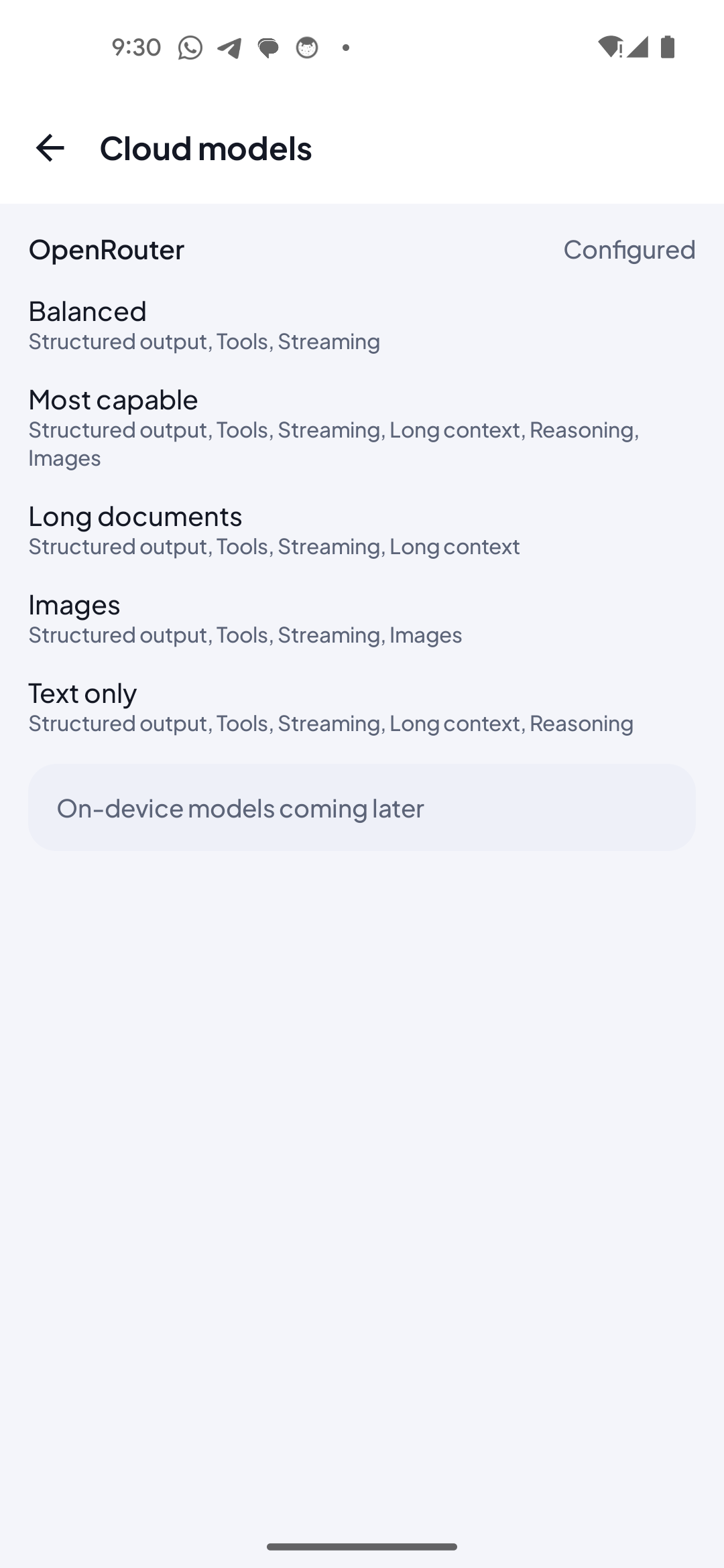
Connect your key and choose a model
Add your own provider key once and pick a preset — Balanced, Frontier reasoning, Long context, Multimodal, or Text only. The Models screen shows your connection status and lets you switch any time.
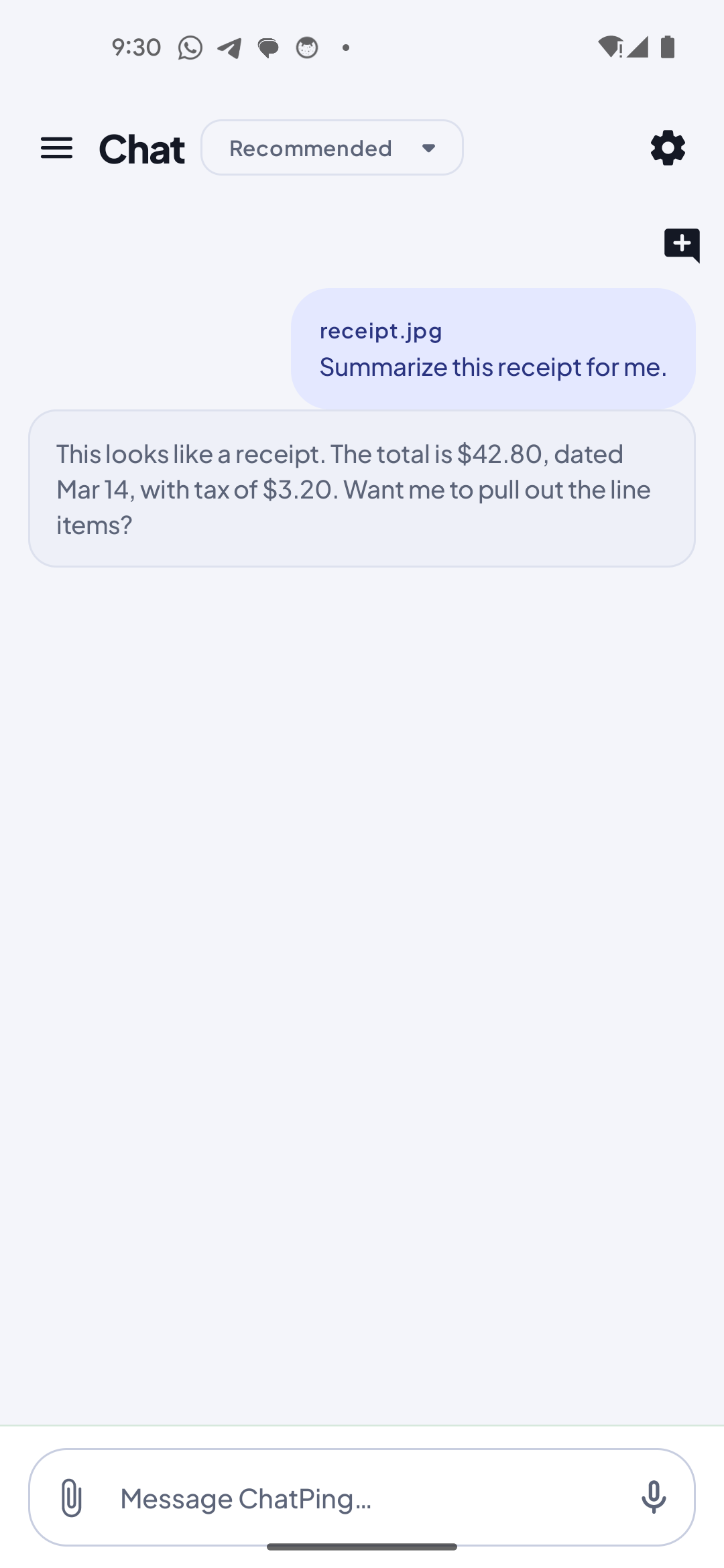
Attach an image, PDF, or text file
Add an attachment to a message and ask a vision-capable model to read it. Your attachment is handled on-device and sent to your chosen provider only when you press send.
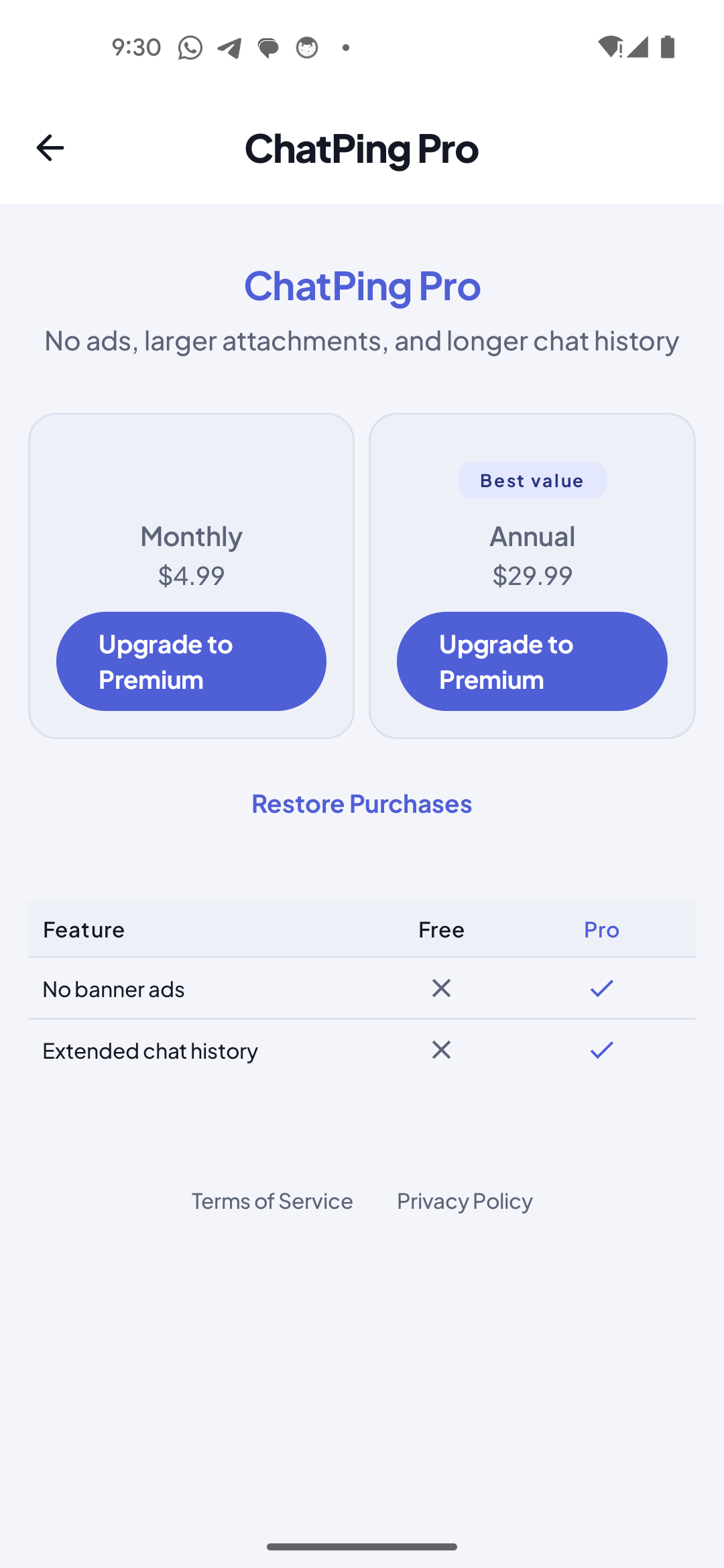
Talk to the app in plain language
Ask ChatPing to find a past chat, start a new one, or switch to a faster model — it uses the app's own tools to do it. Anything destructive asks for a quick confirm first.
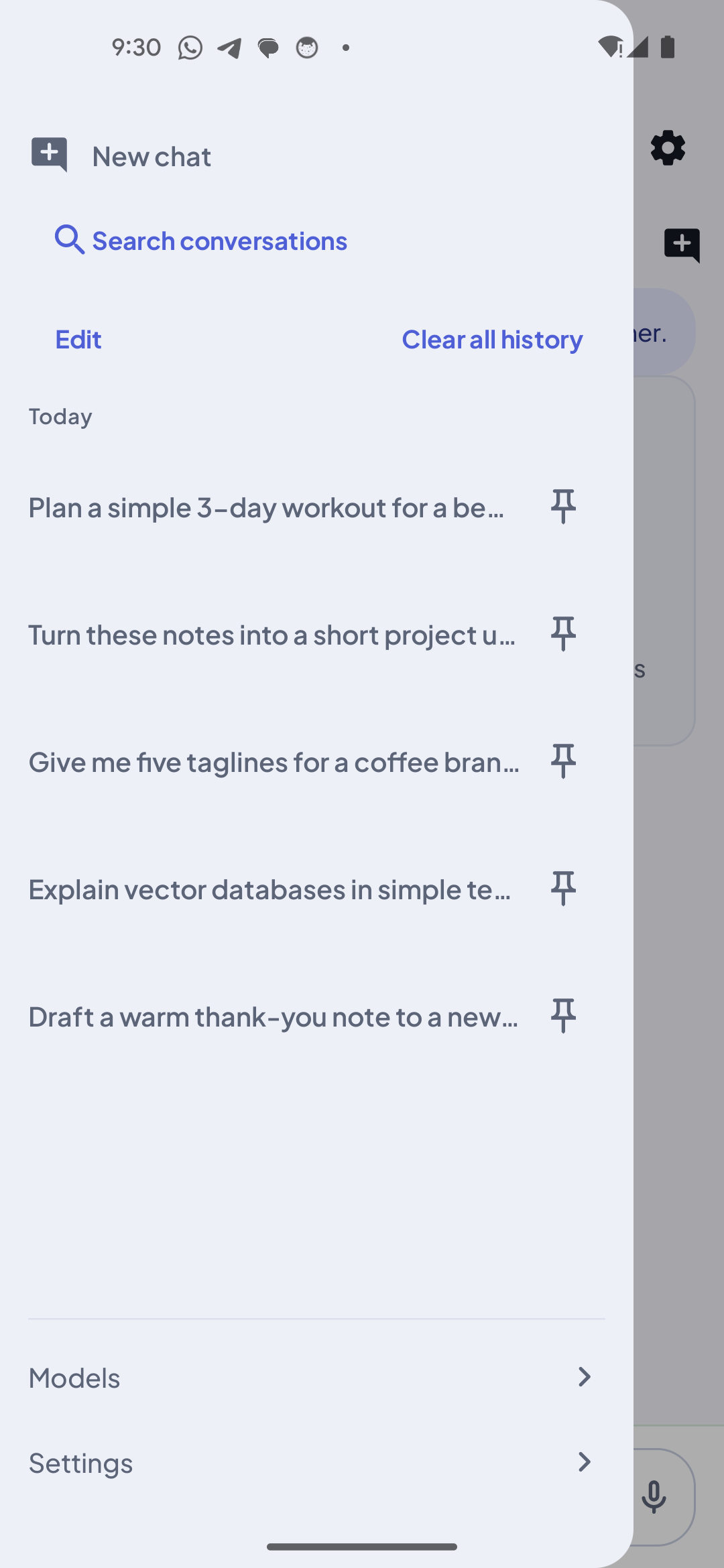
Your history, searchable and on-device
Every conversation is saved locally so you can come back to it. Search your history or pin the chats you return to most — none of it is uploaded to us.
Privacy
Your chats stay yours
ChatPing has no servers of its own, no account system, and no cloud sync. Here is exactly what does and does not leave your device.
Conversations stay on your device
The messages you send and the replies you receive are saved to a local database on your phone. ChatPing has no servers and your conversations are never uploaded to us.
Your API key is kept secure
The provider key you enter is stored in your device's secure storage (Android Keystore-backed) and is excluded from cloud backups. You are billed by your provider directly.
Only your provider sees your messages
When you press send, your message and any attachment go over an encrypted connection to the AI provider whose key you configured — and to no one else. Nothing is sent until you have entered a key and hit send.
Diagnostics are content-free
Crash and usage diagnostics never include your prompts, replies, attachments, or API key. Crash diagnostics are content-free by design.
No account, no sign-up
There is no ChatPing account and no registration. The app does not sell or share your data with advertisers or data brokers.
FAQ
Frequently asked questions
Bring your key, pick your model, keep your history
One clean app for several AI models instead of many — private, on-device, and paid straight to your provider. No account, no markup.