Can You Check If a Number Is Active Without Saving It?
Check if a phone number is active on WhatsApp without saving it to your contacts. Find out directly. Not affiliated with WhatsApp.
Published October 24, 2026 · Last updated October 26, 2026
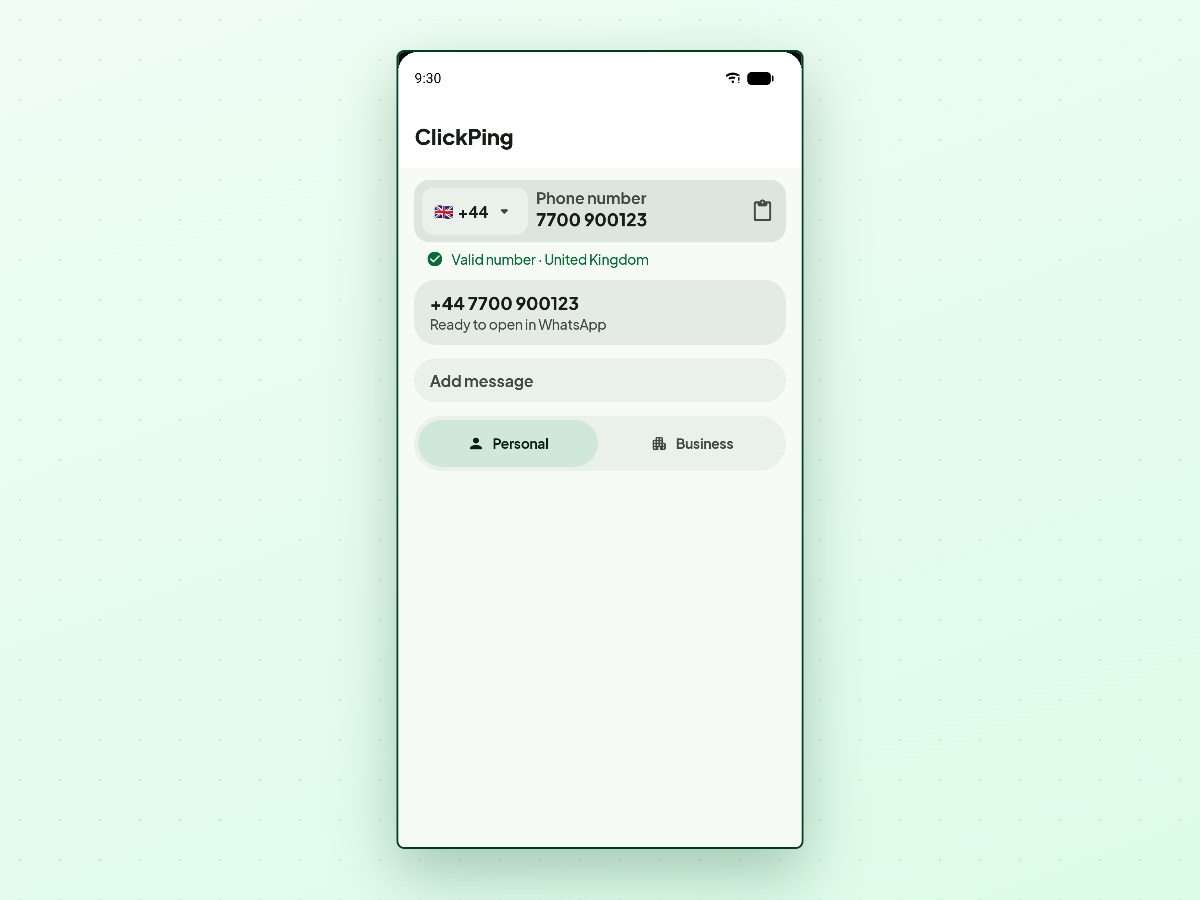
You have a phone number from an ad, inquiry, or receipt, and want to know if it is active on WhatsApp. Adding unknown numbers to your contacts creates address book clutter you have to clean up later.
Fortunately, you can check whether a number is active without saving it.
The short answer
Yes. The way to find out if a number has an active WhatsApp account is to open a chat with the number. If an account exists, WhatsApp opens the conversation. If the number has no account, WhatsApp says so directly.
Want to message someone without saving their number? ClickPing opens the chat for you without adding a contact. Get it on Google Play or the App Store.
You do not need to send a message to check. Opening the chat is enough to verify if an account exists.
What WhatsApp displays when you open the chat
When you open a chat with an unsaved number, WhatsApp gives one of two results:
- The number is registered: WhatsApp opens the chat thread with the number in the header. The message bar is ready, confirming the account is active.
- The number has no account: WhatsApp shows a notice stating that the phone number isn't on WhatsApp.
This provides an immediate answer without adding contacts.
"Not on WhatsApp" vs invalid format
It is important to distinguish an unregistered number from a formatting error.
If you try to open a chat and see "Phone number shared via url is invalid", that does not mean the number lacks an account. It means the link itself was formatted incorrectly—such as leaving in a leading zero, adding a plus sign, or omitting the country code. We cover how to fix this in our guide on phone number shared via url is invalid.
When formatted correctly, WhatsApp either opens the chat or states the number is not on WhatsApp.
How to check without saving the contact
You have two practical options:
1. A click-to-chat link. In your browser, open https://wa.me/ followed by the full number—digits only, with country code (see how to make a wa.me link in four steps). If valid, WhatsApp opens the chat or displays the missing account prompt.
2. Use ClickPing. If you do not want to construct URLs or clean up prefixes by hand, ClickPing opens the chat without adding a contact. You paste, type, share, or scan the number with your camera. It validates and formats the number, then opens WhatsApp. It never sends a message for you. ClickPing is an independent app on Android and iPhone. Not affiliated with WhatsApp.
Frequently asked questions
Will checking save the number to my contacts?
No. ClickPing opens the chat without adding a contact, and a click-to-chat link does not create one either.
Related guides
- Can Someone See Your Profile Picture If They Haven't Saved Your Number?
- Will They Know You Didn't Save Their Number?
- Do You Need the Country Code to Message a New Number?
- How to Message a Delivery Driver or Seller Without Saving Their Number
If you regularly get handed numbers you'd rather not keep, ClickPing is built for exactly that, on Android and iPhone.