How to Message a Delivery Driver or Seller Without Saving Their Number
How to message a delivery driver, seller, or repair person on WhatsApp without saving them to your address book. Not affiliated with WhatsApp.
Published October 24, 2026
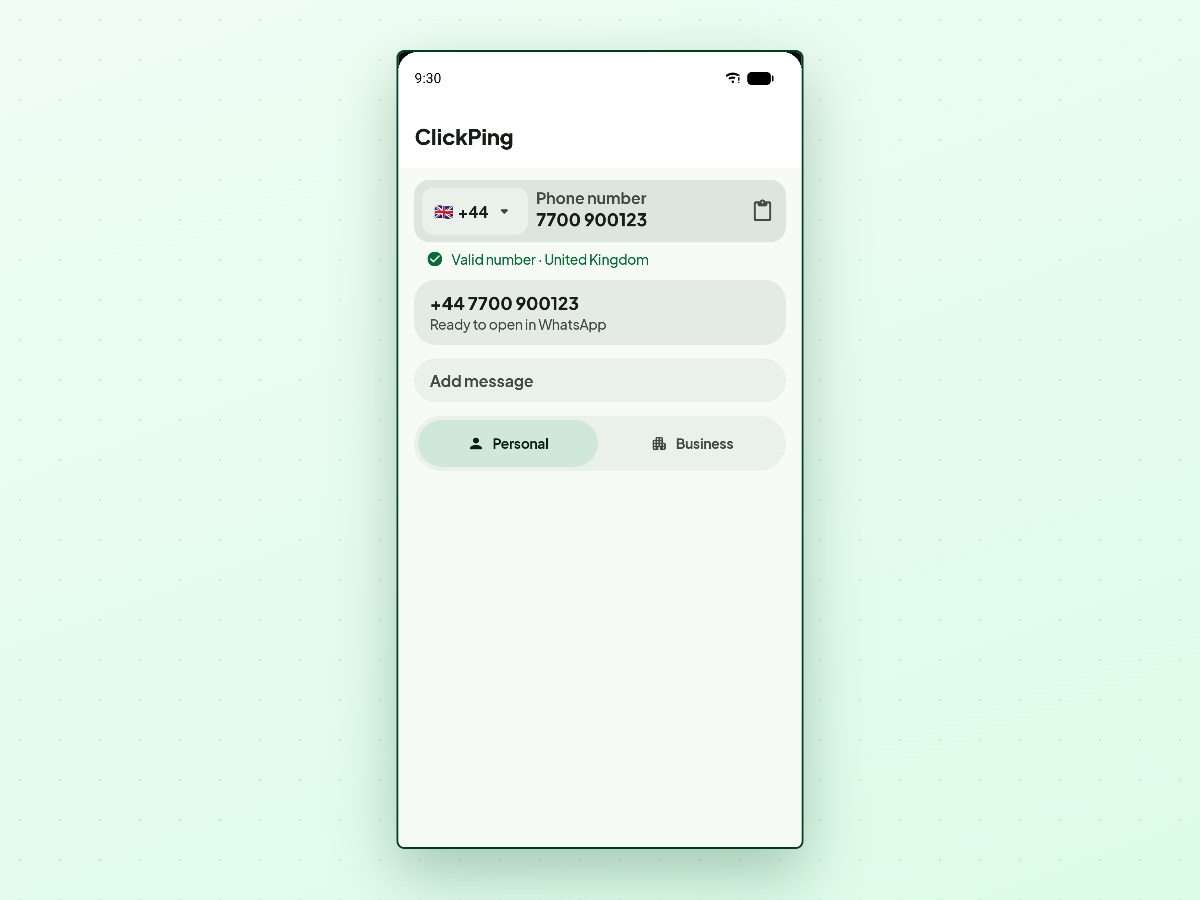
You ordered an item online, arranged a courier delivery, or bought furniture on a local marketplace. The driver or seller sends a phone number to coordinate details. You need to send a single message with an address or arrival time, but do not want them living in your phonebook forever.
Saving temporary contacts creates address book clutter with entries like "Courier Dave" or "Marketplace Sofa" that linger in your contacts.
The short answer
You do not need to save a delivery driver, seller, landlord, or repair person to your contacts list to message them on WhatsApp. You can open a direct chat thread without creating a contact entry.
Want to message someone without saving their number? ClickPing opens the chat for you without adding a contact. Get it on Google Play or the App Store.
Once open, you can chat normally. Your contact list stays clean, and you avoid deleting temporary numbers later.
Common situations with one-off numbers
Temporary interactions happen constantly:
- Delivery drivers: Sharing gate codes, delivery instructions, or drop-off locations.
- Marketplace sellers: Coordinating pickup addresses, meetup times, and item availability.
- Landlords: Checking in on short-term rentals or coordinating key collection.
- Tradespeople: Booking a service visit or confirming arrival windows.
In each case, you need a quick conversation that ends when the job is done. Adding these numbers means your address book fills with one-time contacts.
How to message them without saving
You have practical ways to start a chat:
1. WhatsApp click-to-chat links
Open a mobile browser and type https://wa.me/ followed by the number in full international format, without plus signs, hyphens, or leading zeros. While functional, typing full international numbers on a mobile keyboard is slow and prone to typos.
2. ClickPing for direct messaging
ClickPing is built for one-off numbers you do not want to save.
Instead of reformatting digits manually, paste, type, share, or scan the number using your camera. If a parcel slip or invoice has a printed number, pointing your camera at it lets ClickPing detect the digits.
ClickPing validates and formats the number, then opens the chat directly in WhatsApp with your message ready to review. Nothing is saved to your contacts. ClickPing never sends a message for you. It is an independent app on Android and iPhone. Not affiliated with WhatsApp.
Frequently asked questions
What happens to the chat after the delivery is done?
The conversation remains in your WhatsApp chat history until you decide to archive or delete the thread. Because the number was never saved to your contacts, it will not appear in your phonebook.
Can I scan a number from a paper parcel label?
Yes. ClickPing lets you scan printed phone numbers using your camera so you do not have to type them out manually.
Related guides
- Can Someone See Your Profile Picture If They Haven't Saved Your Number?
- Will They Know You Didn't Save Their Number?
- Can You Check If a Number Is Active Without Saving It?
- Do You Need the Country Code to Message a New Number?
If you regularly get handed numbers you'd rather not keep, ClickPing is built for exactly that, on Android and iPhone.