Can Someone See Your Profile Picture If They Haven't Saved Your Number?
Usually yes: WhatsApp's profile photo — your DP — has historically defaulted to Everyone, so an unknown number can see it whether or not they've saved you. What actually decides who sees your photo is one Privacy setting, and it isn't your address book.
Published August 22, 2026
You're about to message someone who hasn't saved your number — a seller, a stranger from an ad, someone who just called. Before you do, the thought lands: can they see my profile picture?
The honest answer catches most people out, because it has nothing to do with whether they've saved you.
The short answer
Usually yes. WhatsApp's profile photo privacy setting — the one that governs your DP, or display picture — has historically defaulted to Everyone, and on that setting anyone who has your number — saved or not, messaged you or not — can see your photo. If you've never changed it, assume an unknown number can see your picture the moment your chat appears on their phone.
Assuming you've actually set a profile photo, it's no only if you've deliberately narrowed the setting — or blocked them. And even then, the thing that decides it isn't their address book. It's yours.
What actually decides who sees your photo
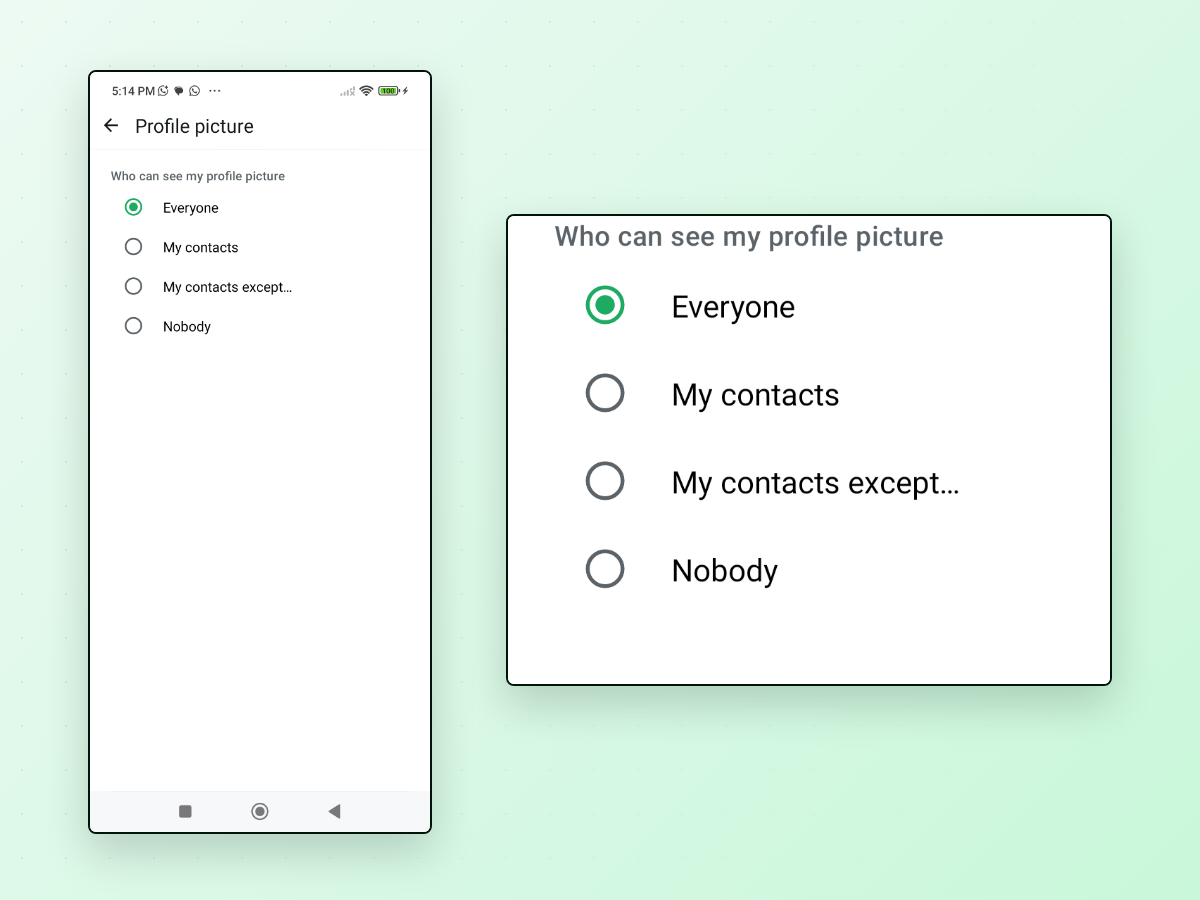
One setting controls this: Settings → Privacy → Profile photo. It has four options, and each one answers "who can see my photo?" differently:
| Your setting | Who can see your profile photo |
|---|---|
| Everyone (the historical default) | Anyone who has your number, whether or not either of you has saved the other |
| My Contacts | Only people you have saved in your phone |
| My Contacts Except… | People you've saved, minus the ones you list |
| Nobody | No one |
The row that trips everyone up is My Contacts. It means people you have saved, not people who have saved you. So on that setting:
- Someone you've saved can see your photo even if they never saved you back.
- Someone who has saved you cannot see your photo if you haven't saved them.
Read those two lines twice — they're the whole article. "Have they saved my number?" is the wrong question. The real questions are: what is your setting, and (if it's My Contacts) have you saved them?
On the default Everyone, none of that matters — saved or not, they see it.
My Contacts Except… is the newest of the four, and by 2026 has become broadly available on both Android and iPhone. It's for the opposite problem: hiding your photo from specific people you've saved while everyone else you've saved still sees it. The excluded person sees the grey placeholder avatar, and you can still message each other normally.
"I can see their picture — so they've saved me, right?"
No. This is the same confusion from the other side, and it's one of the most common WhatsApp misconceptions there is.
If you can see someone's profile photo, all it tells you is that their setting permits you to see it. If they're on Everyone, you'd see their photo whether or not they'd ever heard of you. If they're on My Contacts, then yes — you being able to see it means they've saved you. But you have no way to know which setting they picked, so the photo itself proves nothing either way.
Forum threads answer this question confidently in both directions. They're all overstating it. A visible photo is not evidence that someone saved you.
Where your photo shows up, and when
If your setting exposes your photo to a person, it doesn't wait for them to open the conversation. Depending on their phone, it can appear:
- In the chat list and chat header, next to your number, as soon as your message lands.
- On their lock screen, inside the notification for your first message — before they've tapped anything.
- In group chats, next to your messages, to every member your setting allows.
That last one is worth a note: in a group, members who haven't saved you see your
name rendered as ~Name (your profile name with a tilde). Your photo, though,
follows the same Profile photo setting as everywhere else — so on Everyone,
the whole group sees it.
When you can't see someone's photo, it could mean several things
A blank grey avatar is ambiguous. If a contact or a number shows no photo, it's one of:
- They've restricted it — their setting is My Contacts and you're not saved by them, My Contacts Except… with you on the excluded list, or Nobody.
- They've blocked you — blocking hides their photo from you specifically (see below).
- They simply haven't set one. Plenty of accounts never add a photo at all.
You can't tell which from the outside, and neither can anyone looking at your account. There's no "they hid it from me" indicator — by design.
Does blocking hide your photo?
Yes. When you block someone, WhatsApp stops showing that person your profile photo, your About, your last seen and online, and any Status updates — regardless of your other privacy settings. That makes blocking the surest way to hide your photo from one specific person no matter what your Profile photo setting says. (My Contacts Except… also hides it from specific people — but only ones you've saved, and it changes nothing else.)
Not saving someone does none of that. Saving and blocking are unrelated controls, and only blocking touches photo visibility.
Can someone screenshot or save your photo?
If they can see it, they can look at it — but recent WhatsApp builds have made it harder to capture. WhatsApp now blocks screenshots of the full-screen profile photo: open someone's picture full-screen and try to screenshot it, and you get a blank or black image, sometimes with a "can't take screenshot" message. It applies automatically, without a toggle, and is meant to make casual copying and impersonation harder.
Two honest limits. It covers the full-screen view, not the small thumbnail beside your chats, which can still be captured. And the exact behaviour varies by platform and version — Android and iPhone have handled it differently, so don't treat it as a guarantee. It raises the effort; it doesn't make your photo un-copyable.
How to check and change the setting
This takes about ten seconds and it's the single most useful thing on this page. The wording shifts slightly between app versions, but the path is the same on both platforms:
- Open WhatsApp Settings.
- Tap Privacy.
- Tap Profile photo.
- Choose Everyone, My Contacts, My Contacts Except…, or Nobody.
To hide your profile picture from unknown numbers, set it to My Contacts — then only people you've saved can see it. Pick My Contacts Except… if you also want to hide it from a few specific saved contacts, or Nobody to hide it from everyone. Back on the Privacy menu you came through, About, Last seen and online, and Status are separate controls, each set independently of your photo. It's common to have carefully hidden your last seen while your photo is still wide open on Everyone.
Don't take the "default is Everyone" claim, including this page's, as gospel for your specific app — defaults have shifted by region and version over the years. Open the setting and read what it actually says. That's the only way to know.
If the real goal is staying out of their address book
Here's the honest part, because it's easy to hope for more than is true: choosing not to save someone does not hide your profile photo from them. If your photo is on Everyone, they see it whether you save them or not. Not saving a number is not a privacy cloak toward the person you're messaging — the settings above are what control that.
What not saving them does do is keep your address book clean. A one-time number doesn't get filed into your contacts, synced onward to Google or iCloud, and suggested back to you for months. And it keeps that person out of your Status and About audience, which saving them can quietly add them to. Those are real benefits — they're just different from "they can't see my picture."
WhatsApp supports messaging an unsaved number directly. You can type
https://wa.me/ followed by the number in full international format (digits only,
no +, no spaces, no leading zero) and open the chat — though a small formatting
slip gives the "Phone number shared via url is
invalid" error. You can also
save the number, message, and delete it afterwards, remembering that this doesn't
undo everything — we covered exactly what saving does and doesn't
change.
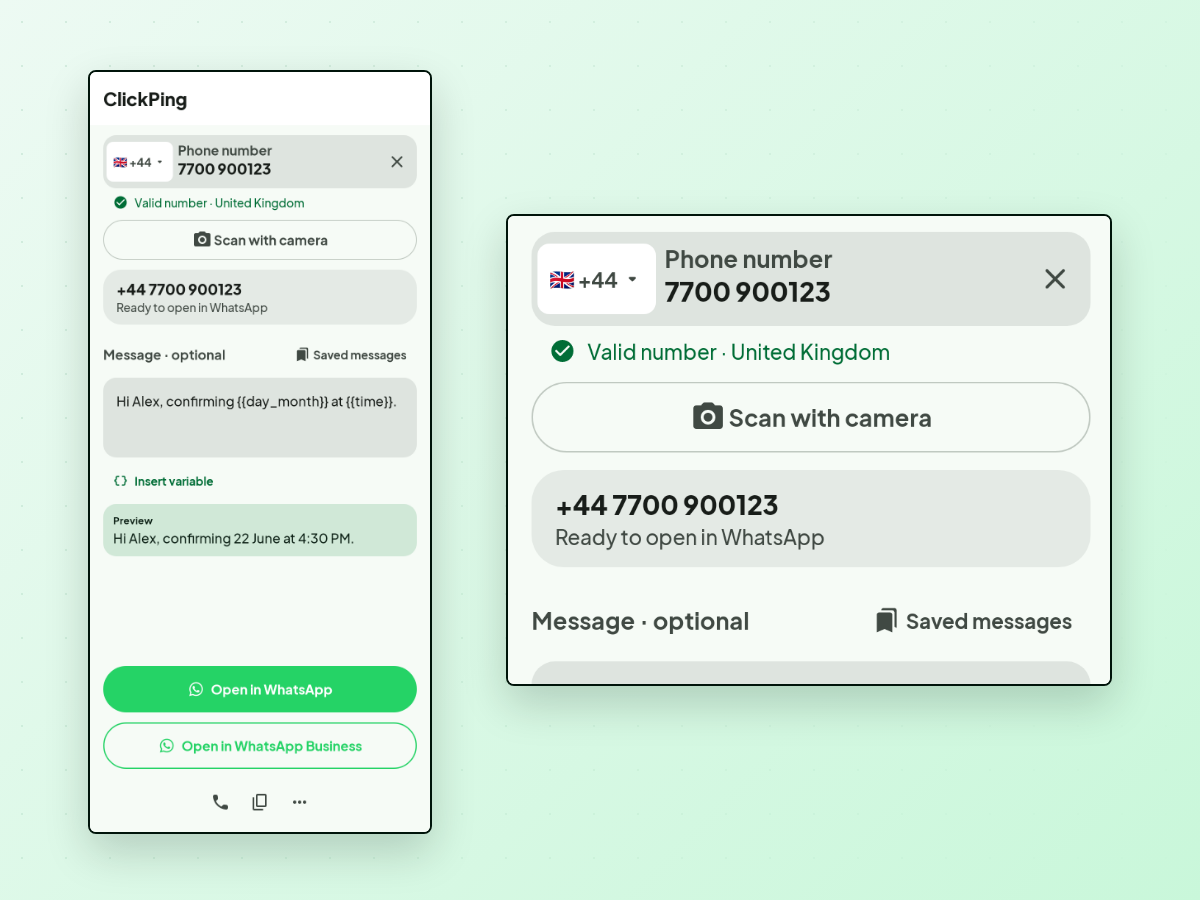
Or you can use a tool built for it. ClickPing is one option: you paste, type, or scan a number with your camera, and it handles the common real-world formatting — the punctuation, the leading zero, the missing country code — instead of leaving you to clean it up. When the country code is ambiguous it asks you to confirm rather than guessing, and camera results are shown to you to confirm before anything opens. It opens the conversation in WhatsApp with your message ready to review, and never sends anything on your behalf. Android and iPhone.
The short version
- Usually yes — if your Profile photo setting is Everyone (the historical default), anyone with your number can see your photo, saved or not.
- What controls it is Settings → Privacy → Profile photo, not anyone's address book. On My Contacts it shows to people you've saved — whether or not they saved you.
- Seeing someone's photo does not prove they saved you. It only means their setting allows you to see it.
- Blocking hides your photo from one person. Not saving them does not — it only keeps your contacts tidy and keeps them out of your Status audience.
- Check your own setting now. It's ten seconds, and it does more for your privacy than any decision about a single contact.
If you regularly message numbers you'd rather not keep, ClickPing is built for exactly that, on Android and iPhone.