How to Message Someone on WhatsApp Without Saving Their Number
Need to message a number once, without filling your contacts with strangers? Two ways on Android: a wa.me link, or LeadPing, which also remembers who to follow up with.
Published October 27, 2026
To message someone on WhatsApp without saving their number, open https://wa.me/<number> in your browser, with the country code and digits only. WhatsApp opens a chat with that number and nothing is added to your contacts. If you do this often, LeadPing keeps the numbers in its own list instead, so your contacts stay clean.
Message first, clutter never. LeadPing keeps WhatsApp numbers out of your contacts and reminds you to follow up. Get it on Google Play.
The plain method: a wa.me link
- Take the number with its country code, for example
447700900123. Leave out the plus sign, spaces and dashes. - In your phone's browser, open
https://wa.me/447700900123. - Follow the prompt to open WhatsApp. The conversation opens, ready to type.
It needs no app and works for one number at a time. The downside is that the number isn't kept anywhere you can organise, and there is no reminder to follow up.
The LeadPing way
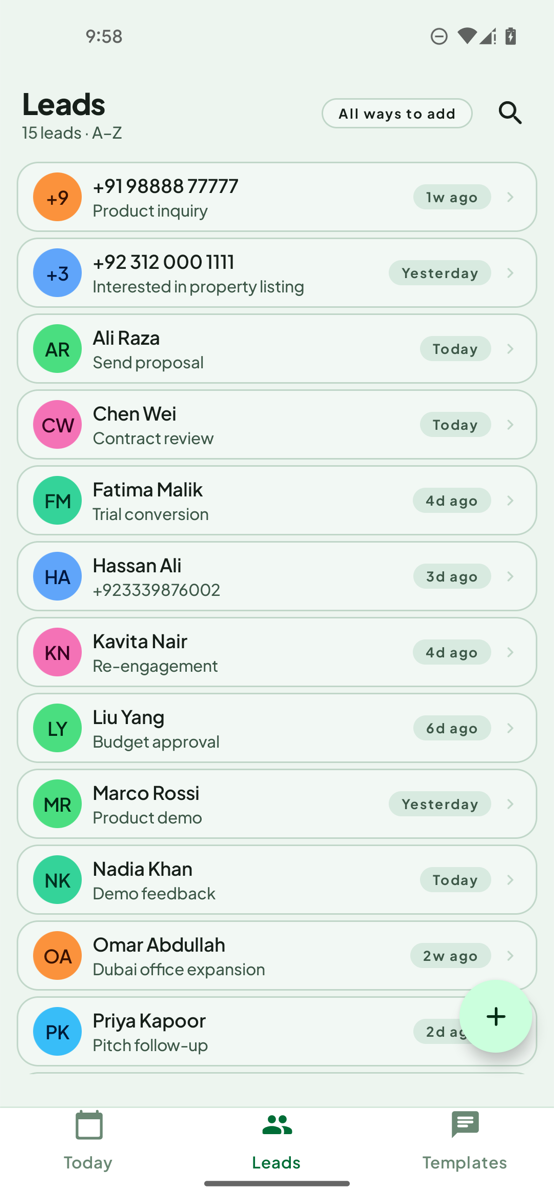
LeadPing is for numbers you want to message and keep track of, without saving a contact. These steps are for Android.
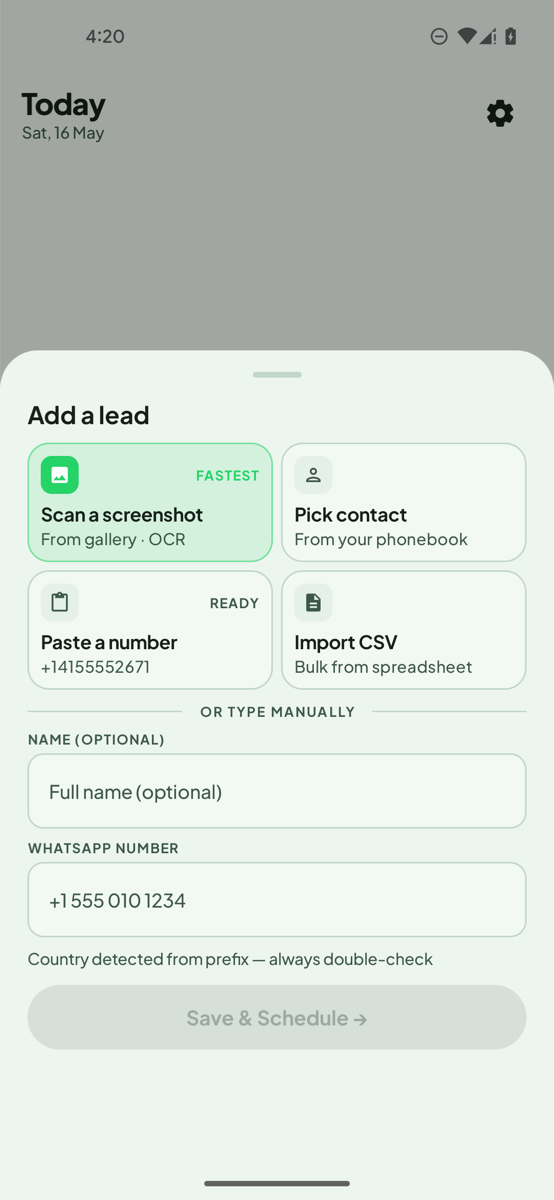
- Open LeadPing and tap + to open the Add a lead sheet.
- Tap Paste a number to take one from your clipboard, or Scan a screenshot to read numbers from an image.
- A new-lead form opens with the number filled in. Tap Save.
- Open the lead and start the WhatsApp chat. LeadPing opens WhatsApp or WhatsApp Business for you. It never sends the message.
You can also select a number in any app and tap Save lead in LeadPing, or share text to LeadPing.
Which one to use
| wa.me link | LeadPing | |
|---|---|---|
| Good for | One quick message | Numbers you'll message more than once |
| Remembers the number | No | Yes, as a lead |
| Added to your contacts | No | No |
| Follow-up reminder | No | Yes |
| Needs an app | No | Yes |
Don't forget to follow up
A number you never saved is easy to lose. In LeadPing you can schedule a follow-up on the lead, and the reminder notification has an Open WhatsApp button, with your message already typed if you added one. Notes and colour labels help you remember who is who.
What to know
- Check the country code before you send. LeadPing detects it from the prefix, and it can be wrong.
- The person must have WhatsApp for the chat to open.
- Your saved numbers, notes and follow-ups stay on your device.
FAQ
- Can I message someone on WhatsApp without saving their number? Yes. Open a wa.me link with their number, or save it as a lead in LeadPing.
- Does it work with WhatsApp Business? LeadPing can open a chat in WhatsApp or WhatsApp Business.
- Does it work on iPhone? The LeadPing steps here are for Android. For iPhone, see message an unsaved number on iPhone.