How to Save and Reuse WhatsApp Message Templates on Your Phone
WhatsApp has no built-in template list on a personal account. Here is what message templates are, the ways to reuse the same text, and how to save them in LeadPing on Android.
Published October 29, 2026
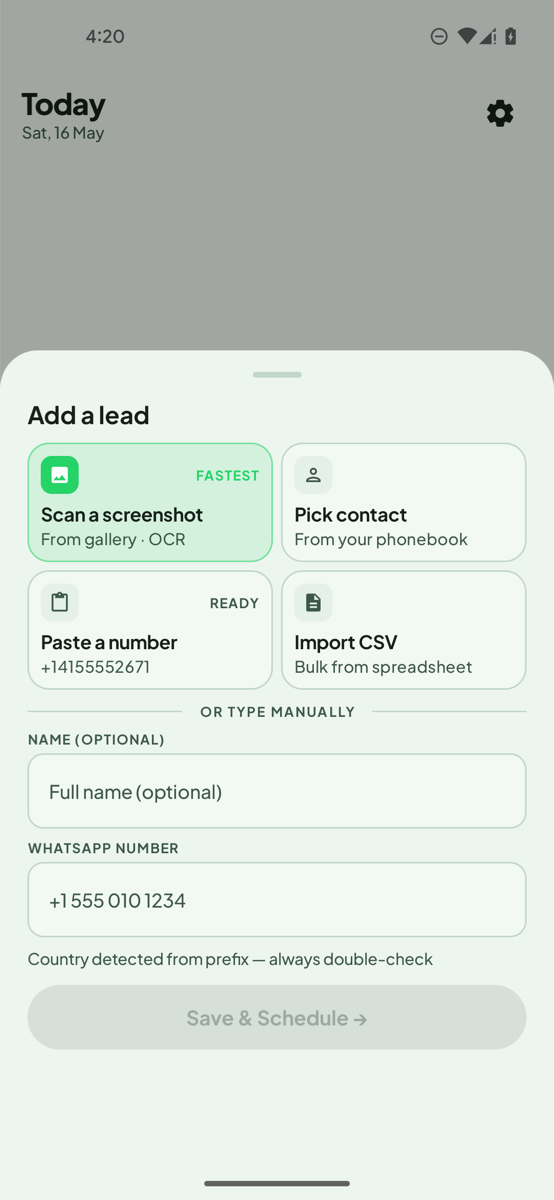
WhatsApp message templates are pieces of text you write once and reuse, so you stop retyping the same greeting, price line or address. There are two very different things with that name, and the one most people need is the simple kind: your own saved text.
Keep your messages in one place. LeadPing stores your own message templates with name variables and opens the WhatsApp chat with the text ready. You press send. Get it on Google Play.
Two kinds of WhatsApp message templates
- Your own saved text. Plain messages you keep and paste or open in a chat. No approval is needed and you send them yourself. This guide is about these.
- Business API templates. Pre-approved message formats that companies submit to WhatsApp so they can start conversations through the Business API. They need an approved setup and are not what an app on your phone creates. LeadPing does not use them.
Ways to reuse the same message
- Copy and paste from a notes app. Works anywhere. Slow, and you edit the name by hand each time.
- Keep a "message yourself" chat. Handy on one phone, hard to organise past a few messages.
- Save them in an app that opens the chat for you. The text is stored with a name, fills in the person's name and arrives already typed in the chat.
Save templates in LeadPing
These steps are for Android.
- Open LeadPing and go to your templates from the Library.
- Create a new template and give it a name.
- Write the message. Variables fill in for each lead:
{{name}},{{first_name}},{{my_name}}and{{phone}}. For example: Hi {{first_name}}, this is {{my_name}}. Thanks for your message. - When you set a reminder for a lead, pick the template. You can also create one at that moment.
- When the reminder is due, tap the WhatsApp action on the notification. The chat opens with your message already typed. LeadPing never sends it; you press send.
The templates are your own text. The free version limits how many you can save; Premium removes the limit. Your data is kept on your device.
Tips for templates that read like you
- Keep them short and leave one blank for something personal.
- Use the first name variable, not the full name.
- Write them in your own voice, then read the result as the other person would.
- Keep a few: one for a first reply, one for sharing details, one for closing.
FAQ
- Are these WhatsApp Business message templates? No. They are your own text. Business API templates are a separate, pre-approved feature.
- Does LeadPing send the message? No. It opens the chat with the text ready, and you send it.
- Can I use them with WhatsApp Business? Yes, LeadPing can open WhatsApp or WhatsApp Business.
- Does it fill in the name for me? Yes, if the template uses
{{name}}or{{first_name}}.
LeadPing is independent and is not affiliated with WhatsApp or Meta.