How to resize a photo to passport size (35x45 mm)
Visa or exam form rejects your photo size? Set 35x45 mm in ResizePing on Android or iPhone and check the projected file size before you run.
Published October 21, 2026
You open a visa, passport or exam form, pick your photo, and the upload fails: the picture is the wrong size in millimetres, or the file is too big. ResizePing can fix the size for you. It resizes a photo to exact dimensions, including print sizes in mm, cm or inches with DPI, and it has a passport 35x45 mm preset that shows the projected file size. ResizePing works on Android and iPhone.
ResizePing sets the photo size only. Check your form's own photo rules for background, face position and glasses, because a correctly sized photo can still be refused.
Steps
- Install ResizePing and add your photo. You can also share it in from Photos, Files or Drive.
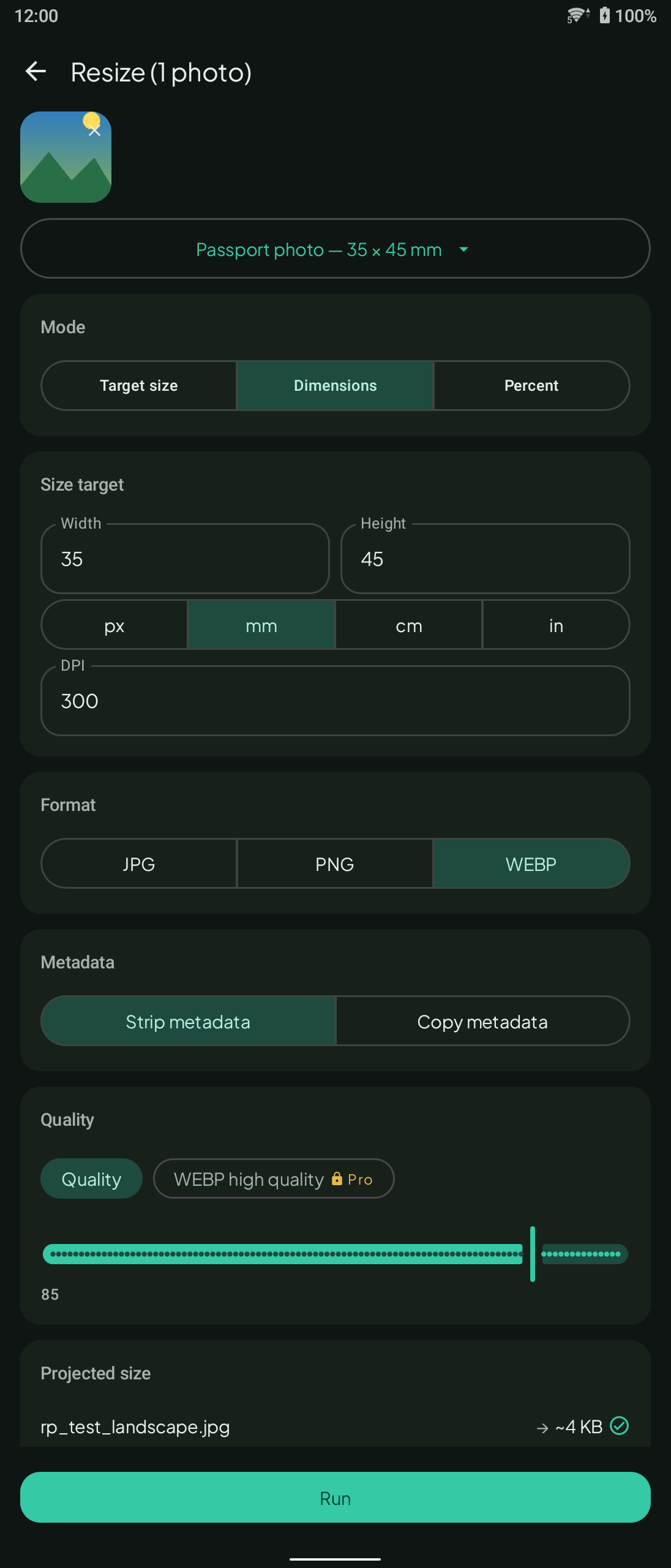
- Choose the passport 35x45 mm preset, or enter the print size yourself in mm, cm or inches with the DPI the form asks for.
- Check the projected file size shown. It must be under your form's limit.
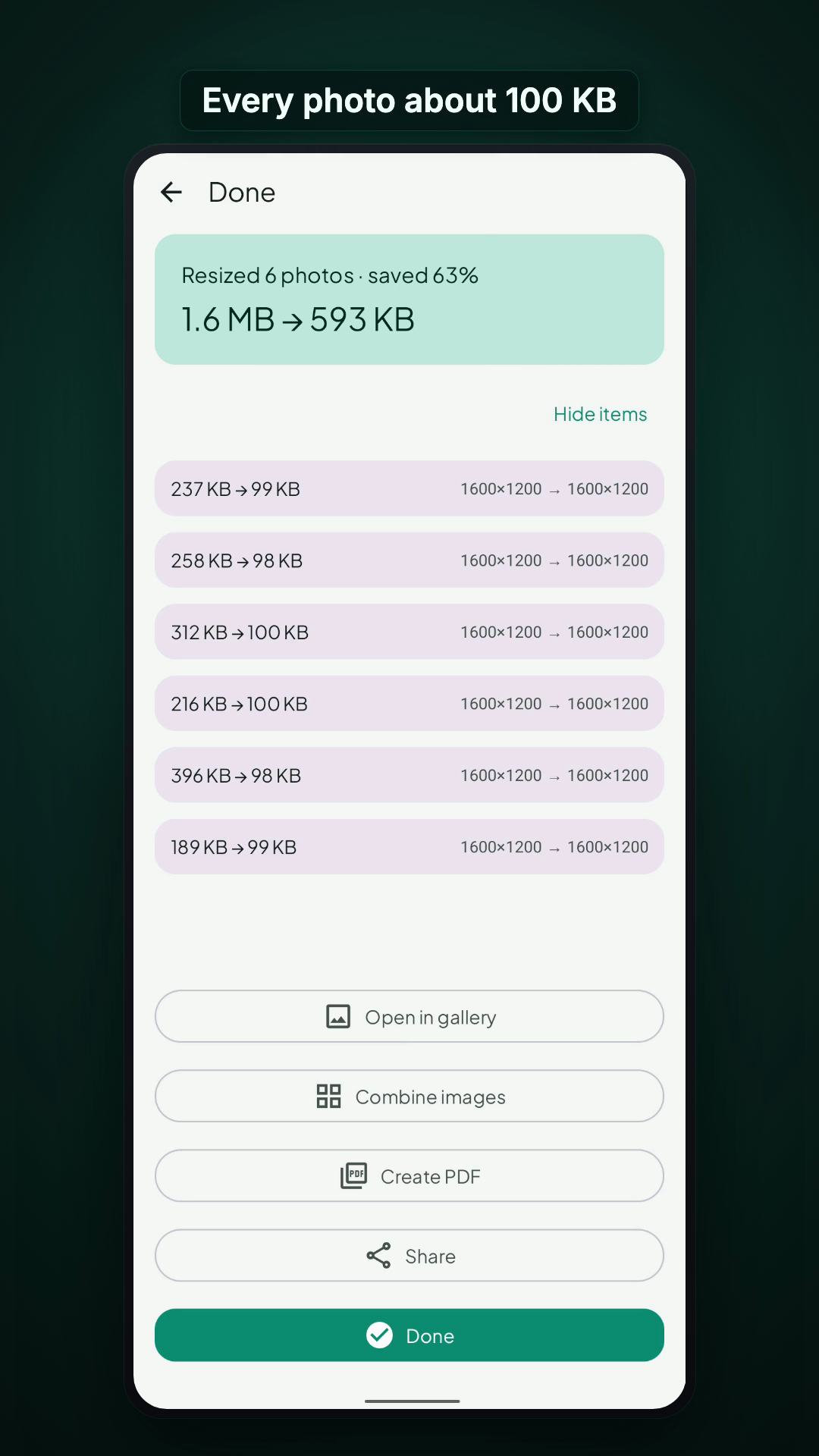
- Run it, then compare before and after on the result screen and tap Share or Done.
Pixels, print size and file size are different
A form can limit the picture in pixels, in print size, or in file size, and sometimes more than one. Read what your form actually asks and set that. ResizePing lets you set exact dimensions in pixels, percent or print size, or an exact file size in its own mode, so you can match each rule separately.
What to know
- Best, Balanced and Smallest quality settings are available. Output can be JPG, PNG or WEBP.
- HEIC photos from an iPhone can be used as input.
- Location data is removed from the photo by default.
- Your files never leave your device.
- The app shows a small banner ad.
FAQ
- Will my photo be accepted? ResizePing only sets the photo size. Check your form's own rules for background, face and glasses.
- Can I set the size in mm? Yes. Set print size in mm, cm or inches with DPI, or use the 35x45 mm passport preset.
- Can I set the file size too? With the passport preset, ResizePing shows the projected file size before you run. Check it against your form's limit.
- Does it upload my photo? No. Your files never leave your device.