Merge PDF Files on Android and iPhone: Combine PDFs Into One
Merge or combine PDF files into one on Android or iPhone with ResizePing: pick the PDFs, set the order with the arrows, and merge. Never uploaded to our servers.
Published October 23, 2026 · Last updated October 25, 2026
You have several PDFs and need one file for an upload, an email or a print job. ResizePing can merge PDF files and combine them into one PDF on Android and iPhone: pick the PDFs, put them in order, and merge. Never uploaded to our servers.
Need to merge PDFs? ResizePing merges, splits and compresses PDFs on iPhone and Android. Get it on Google Play or the App Store.
Steps
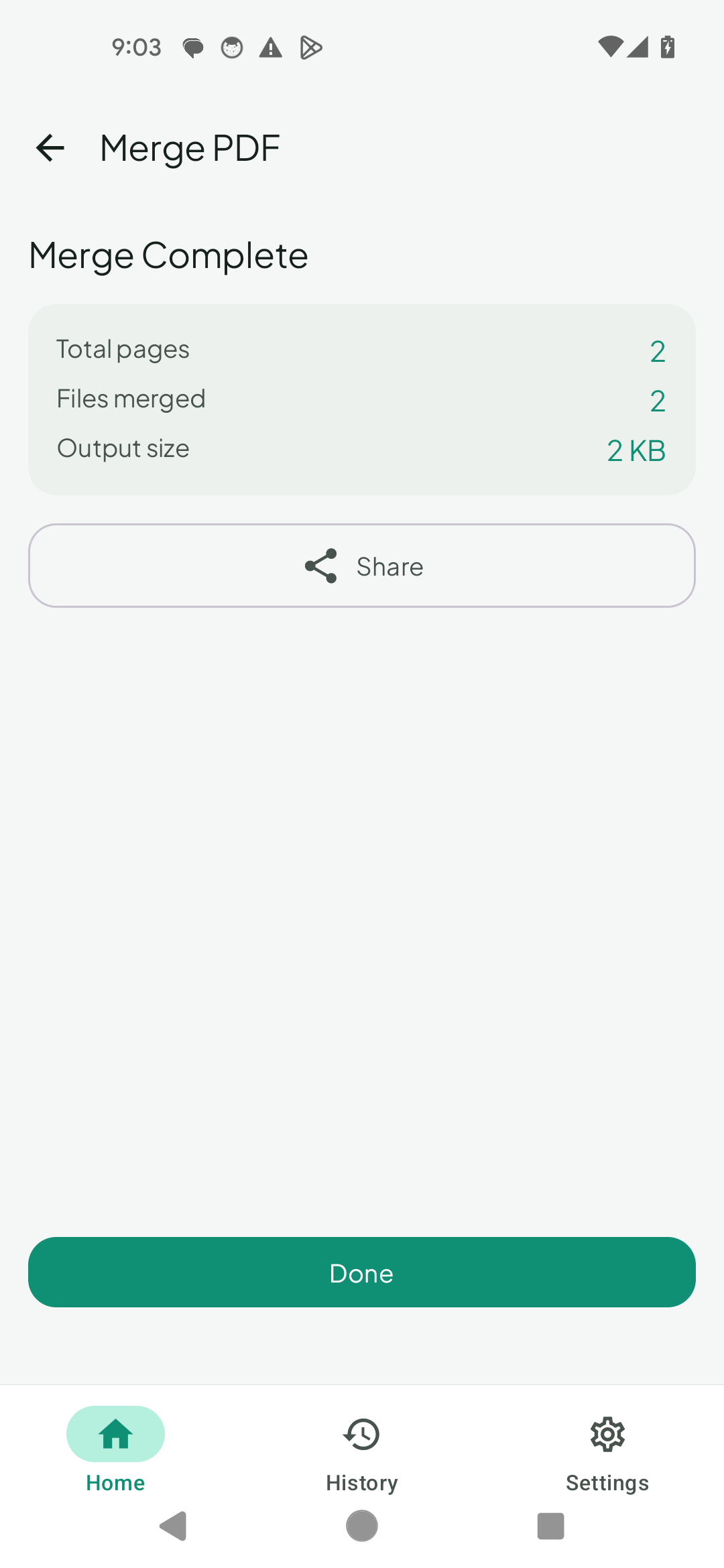
The steps are the same on Android and iPhone. The screenshot is from Android.
- Install ResizePing. On the home screen, tap Select PDF and pick your PDFs. You can select several at once.
- Tap Merge PDF. You need at least 2 PDFs.
- On the merge screen, tap Add more if you forgot one. You can merge up to 20 PDFs at a time.
- Put the PDFs in the order you want with the up and down arrows on each row. There is no drag and drop.
- Tap Merge.
- The result screen shows the Output size. Tap Share or Done.
Where the merged PDF is saved
- Android: the merged PDF is saved in Download/ResizePing/.
- iPhone: save it through Share, for example with Save to Files.
If the merged PDF is too big
Check the Output size before you upload. If the portal has a size limit, compress the merged file next. See how to get a PDF under 200 KB.
Starting from photos
If your documents are photos rather than PDFs, turn them into one PDF first. See photo to PDF on Android and iPhone.
FAQ
- How do I combine PDF files into one on my phone? Select the PDFs in ResizePing, tap Merge PDF, set the order, and tap Merge. It works on Android and iPhone.
- Can I change the order of the PDFs? Yes. Use the up and down arrows on each row before merging.
- How many PDFs can I merge? At least 2, and up to 20 at a time. There is no total-size limit.
- Where does the merged PDF go? On Android, to Download/ResizePing/. On iPhone, save it through Share, for example to Files.
- Does it upload my PDFs? No. Never uploaded to our servers.
Related
On a computer
On a computer instead? Try the browser version: Merge PDF at Ping Tools Lab.