How to find a notification you cleared on Android
Cleared a notification by mistake? RecallPing keeps a searchable log from the moment you grant access. Search by text, filter by app or date, and pin what matters.
Published October 21, 2026
You cleared a notification and now need what it said: a code, an address, a delivery update. RecallPing is an Android notification log. It keeps what your phone receives only from the moment you grant notification access, so it cannot bring back notifications from before that or from while capture was stopped. Once access is on, you can search the saved text, filter by app, date range or type, and pin the ones you need to keep.
Steps to find a cleared notification
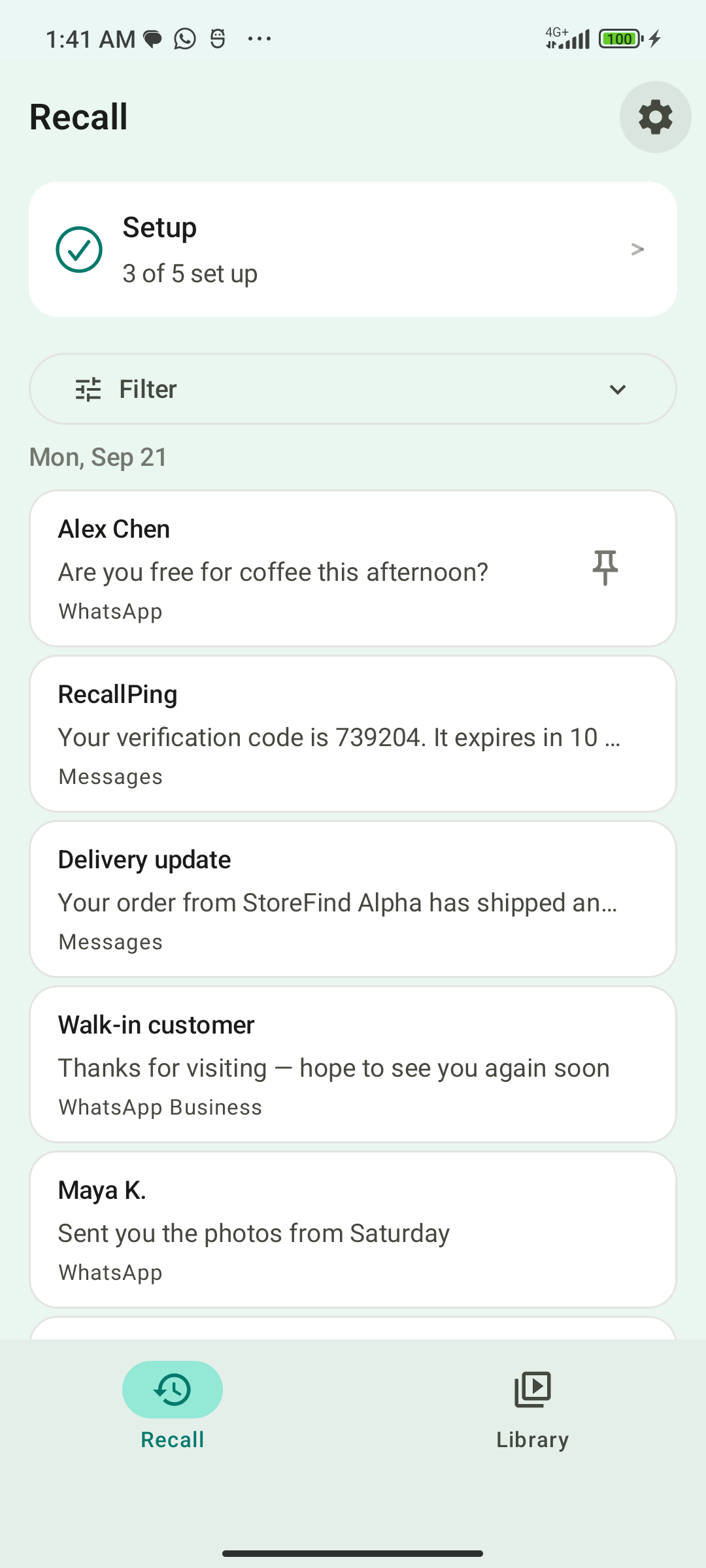
- Install RecallPing on your Android phone and open it.
- Grant notification access. Capture starts from that moment forward, with no past history.
- When you need a notification back, open the log and search for what you remember: a word, a quoted phrase, or terms combined with AND, OR and NOT. Word-start search works too, for example
bank*. - Narrow the results by app, date range, or type: codes, deliveries or promotions.
- Read the notification in RecallPing. Reading your history never opens the source app; only the Open button does.
Keep what you will need again
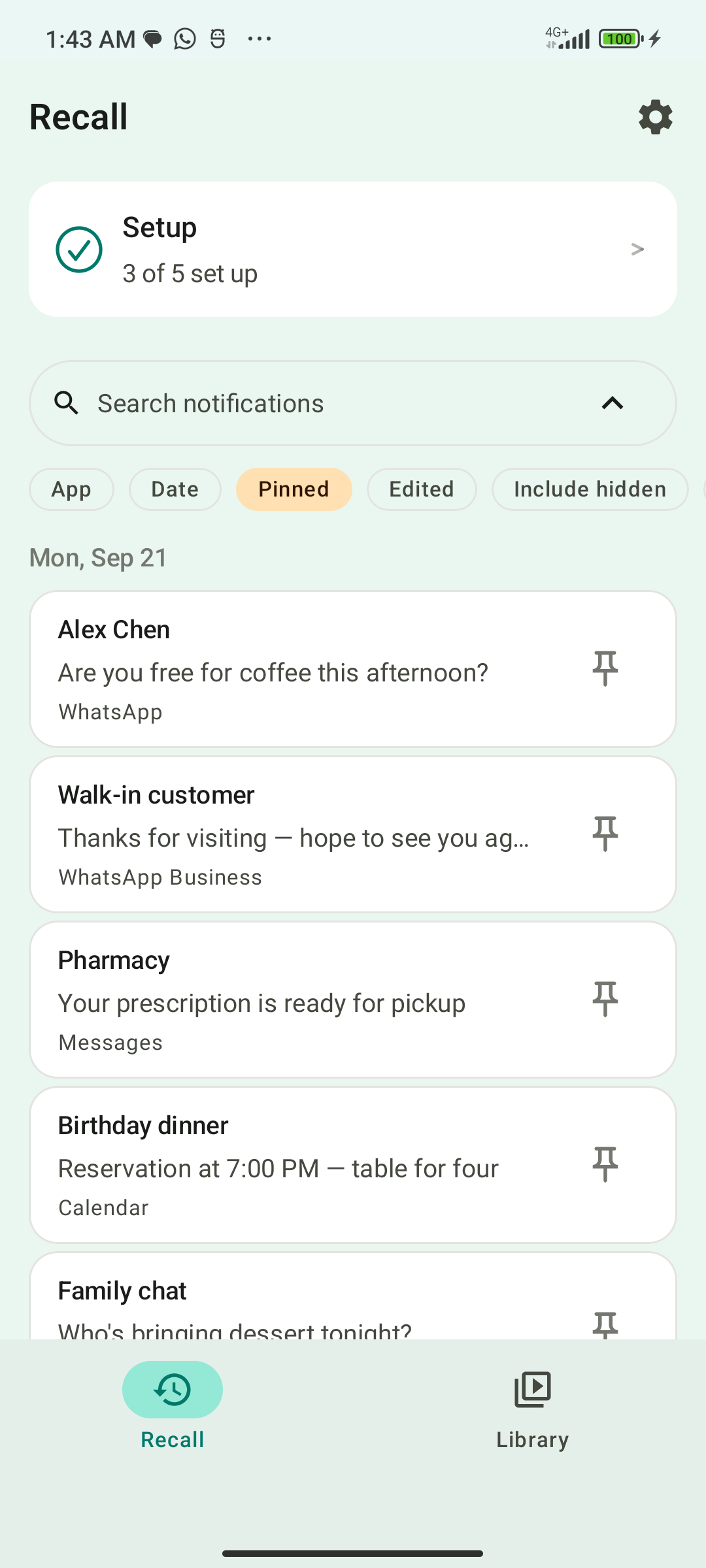
Notifications are kept for 30 days. Pin a notification, such as a verification code or a delivery confirmation, and it is kept past that 30-day window. Senders are grouped (banking, social, shopping, delivery, utilities, work), and conversations open as threads. If a sender edits a notification, the earlier version is kept as a revision.
To keep noisy senders out of the log, set a mute rule by app, keyword or after-hours window; muted notifications are hidden from the log. An optional app lock (fingerprint, face or phone PIN) protects what you have saved.
If capture stops
Android can stop background apps, and notification access can be revoked. RecallPing alerts you if capture stops and tries to reconnect. Notifications missed while capture is stopped cannot be recovered, so check that access is still on if you expect something to be there.
Where your notifications are kept
Notification text is stored in a private database on your phone. RecallPing uses the internet only for ads and Firebase crash and usage diagnostics, and notification text is never part of those requests.
FAQ
- Can RecallPing show notifications from before I installed it? No. It starts capturing when you turn notification access on, and has no past history.
- Does it upload my notifications? The notification text stays in a private database on your phone. Network use is limited to ads and Firebase crash and usage diagnostics, which carry no notification content.
- How do I keep a verification code longer than 30 days? Pin it. Pinned notifications are kept past the 30-day window.
- Can I filter to just delivery updates or codes? Yes. Filter by type (codes, deliveries, promotions), by app, or by date range.
- Is there an iPhone version? No. RecallPing is Android only.